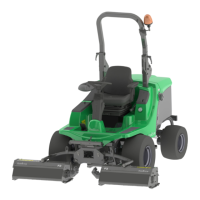
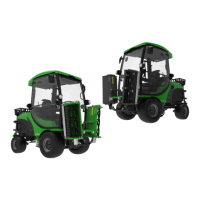
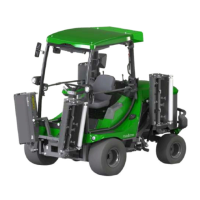
Reset regeneration
The machine executes a Reset regeneration automatically. However, the operator is able to postpone this regeneration.
The Reset regeneration can be executed during operation.
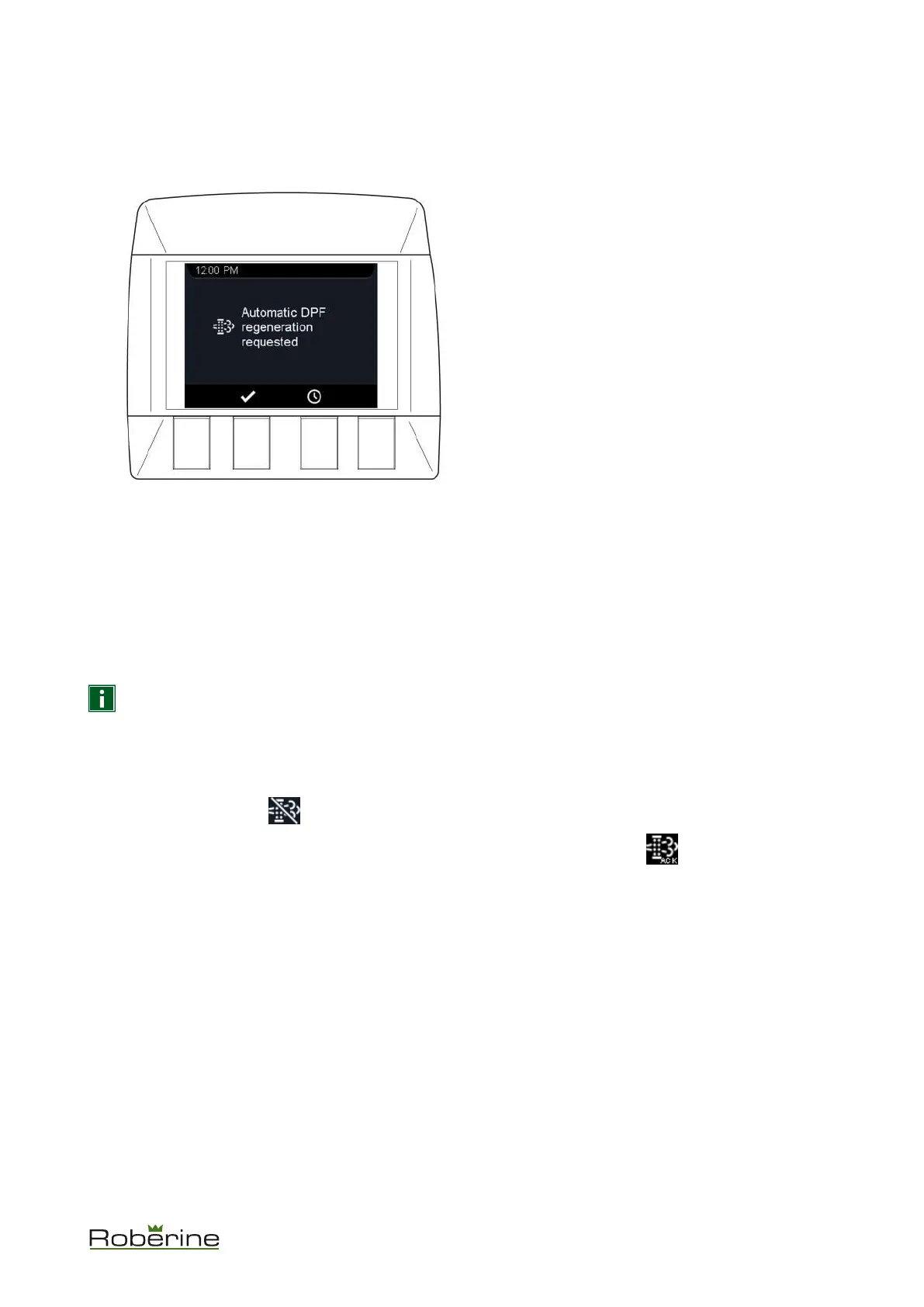
1. The message Automatic DPF regeneration requested appears on the display.
• Press the button below the check mark to execute the regeneration.
• Press the button below the clock to postpone the regeneration.
2. During the regeneration, a process indicator appears on the display.
3. Once the regeneration is completed, the screen disappears.
Stationary regeneration
The machine shows a message before a Stationary regeneration can be executed. The Stationary regeneration
cannot be executed during operation.
NOTICE It takes about 30 minutes to complete the Stationary regeneration. The machine cannot be used
during that time.
Before starting a Stationary regeneration, make sure you meet the following conditions:
1. Park the machine safely.
2. Apply the parking brake.
3.
Press the inhibit switch: .
4.
Confirm the regeneration by pressing the Stationary Regeneration Permitted switch: for 3 seconds.
5. Press the Stationary Regeneration Permitted switch again for 1 second.
You are now in the Stationary regeneration status.
Description 31


 To Next Page