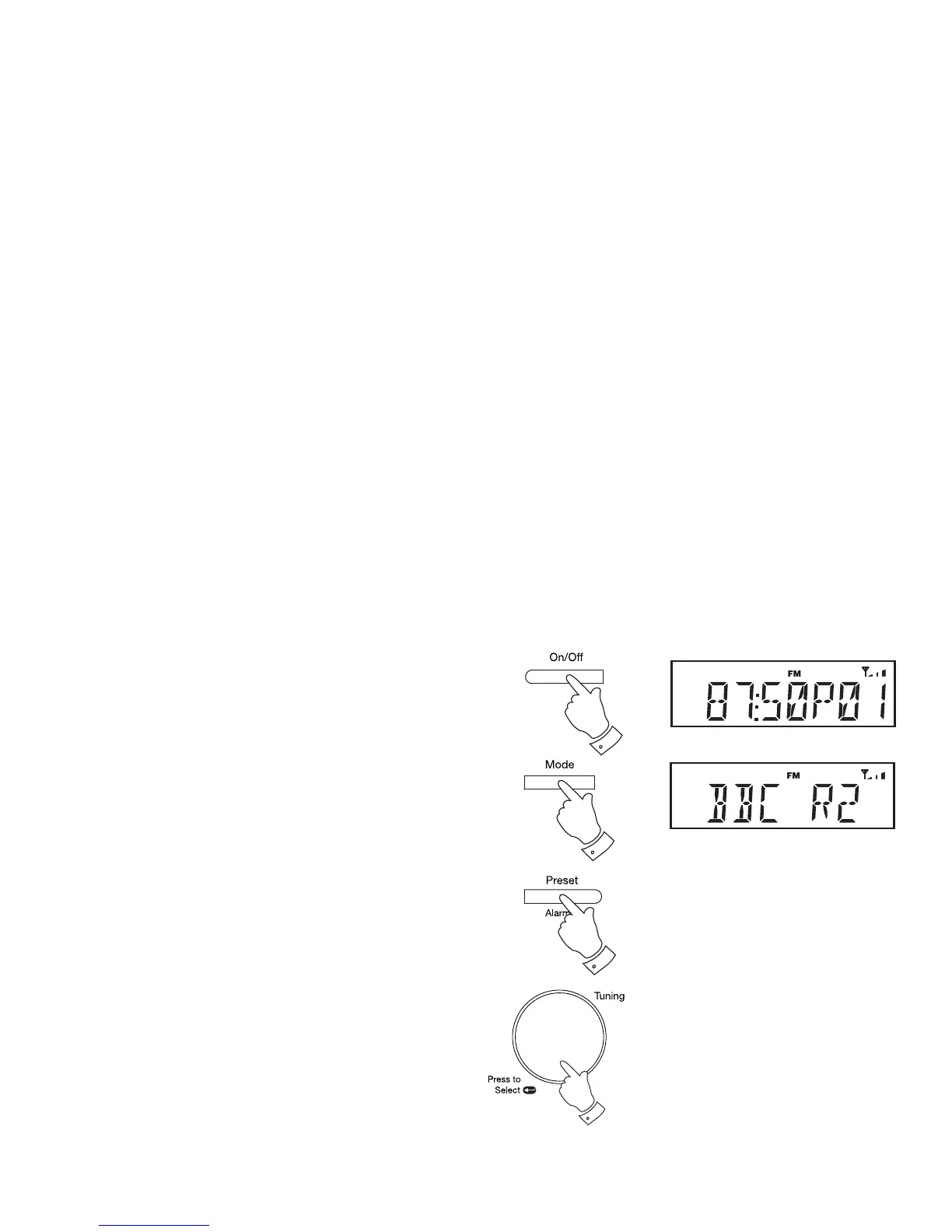
Recalling a preset station
1. Press and release the On/Off button to switch on the radio.
2. Repeatedly, press and release the Mode button to select either the
FM or DAB mode.
3. Press and release the Preset button. The display will show, for example,
'Empty 1' if no station has been stored to that preset. If a preset has
been stored, then the display will show either the station name (for
DAB stations) or the frequency (for FM stations).
4. Rotate the Tuning/Select control to select the desired preset station.
5. Press and release the Tuning/Select control. Your radio will tune to
the chosen preset station stored in the preset memory.
1
2
3
4,5
19



 To Next Page