27
Setting the clock manually - cont
10. Press and release the Tuning/Select control to enter the minutes
setting. The day will then fl ash on the display.
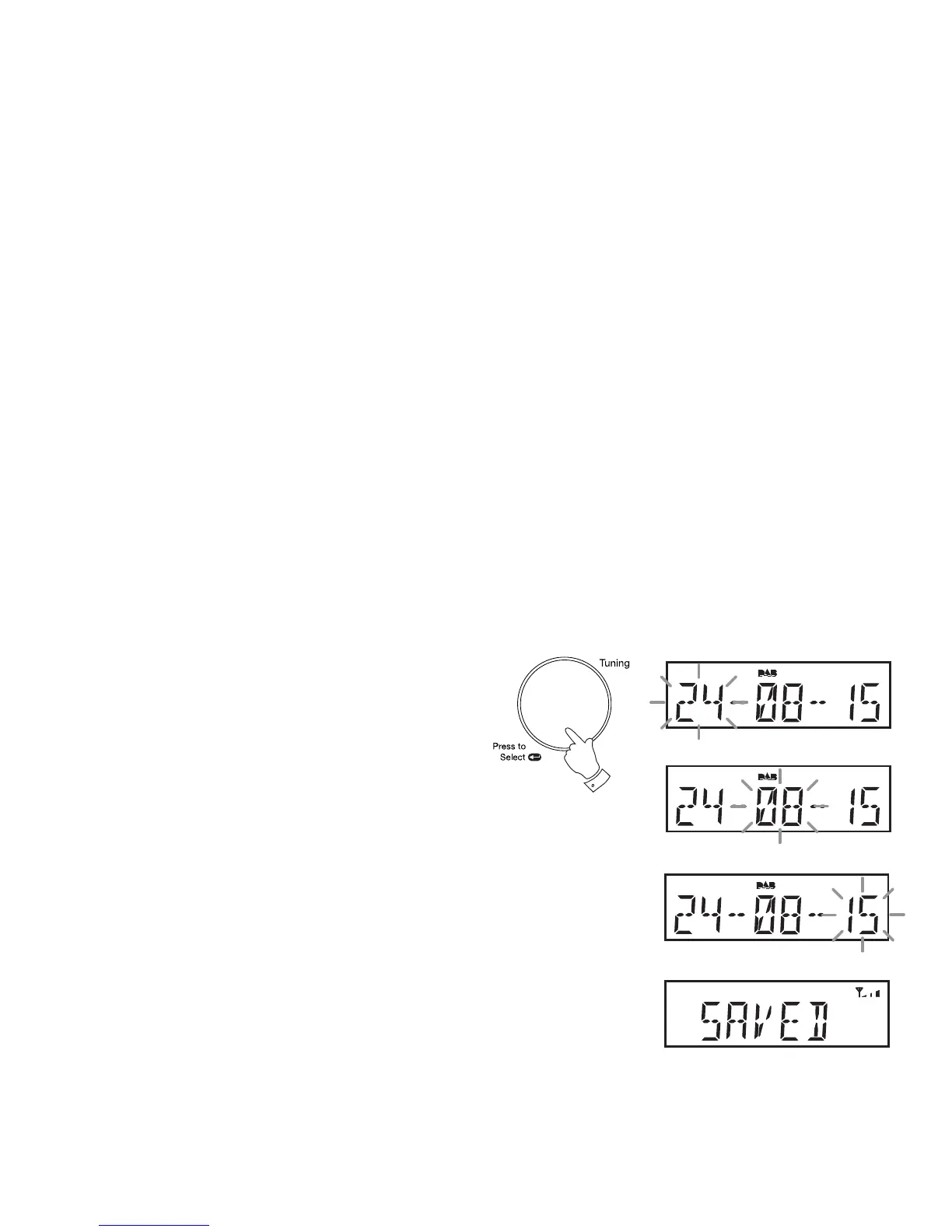
11. Rotate the Tuning/Select control to select the current day.
12. Press and release the Tuning/Select control to enter the day setting.
The month will then fl ash on the display.
13. Rotate the Tuning/Select control to select the current month.
14. Press and release the Tuning/Select control to enter the month setting.
The year will then fl ash on the display.
15. Rotate the Tuning/Select control to select the current year.
16. Press and release the Tuning/Select control to confi rm the time setting.
'SAVED' will show on the display before exiting the clock setup.
10-16



 To Next Page