29
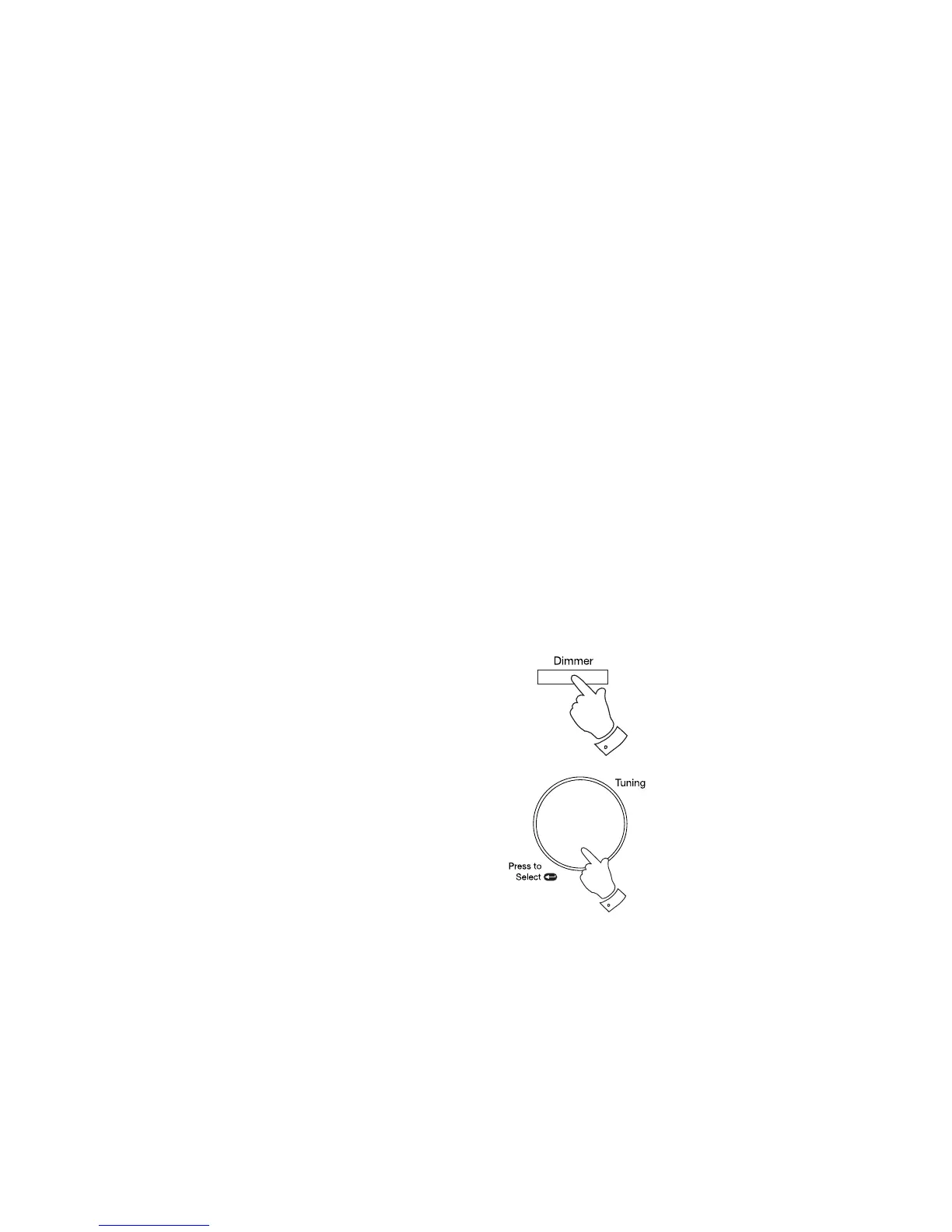
Display backlight dimmer
The brightness of the display can be adjusted when the radio is in standby
or when the unit is in use.
1. In order to adapt the intensity of the display to suit the ambient room
lighting when the unit is in the standby mode or in use, press and
release the Dimmer button to select the dimmer brightness from
High-Medium-Low and off.
When using the Eco power saving mode, the display is switched off
completely when the radio is in standby.
When the radio is in standby pressing the Tuning/Select control will cause
the radio to switch to a higher brightness level for a few seconds.
1



 To Next Page