7
Selecting a station - DAB
1. Press and release the On/Off button to switch on your radio.
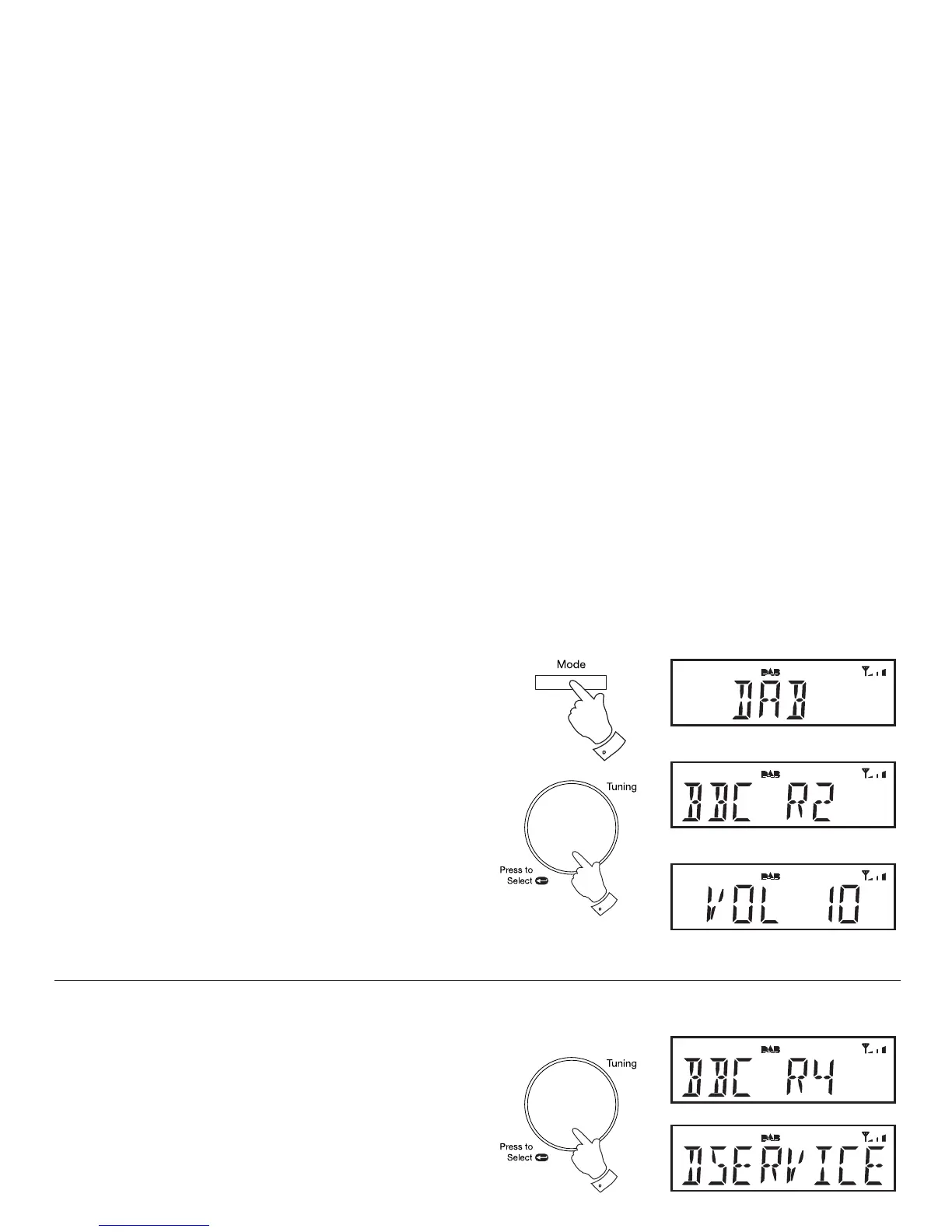
2. Press and release the Mode button until the 'DAB' mode is selected.
3. Rotate the Tuning/Select control to step through the list of available
stations.
4. When the desired station name appears on the display press and
release the Tuning/Select control to select the station. The radio will
select the new station.
5. Adjust the Volume to the required setting.
Note: If after selecting a station the display shows 'OFF AIR' it may be
necessary to relocate your radio to a position giving better reception.
Secondary services - DAB
1. Certain radio stations have one or more secondary services associated
with them. If a station has a secondary service associated with it the
secondary service will then appear immediately after the primary
service as you rotate the Tuning/Select control clockwise.
2. To tune to the secondary service, press and release the Tuning/Select
control. Most secondary services do not broadcaset continually and
if the selected service is not available, the radio will re-tune to the
associated primary service.
3,4
2
1,2



 To Next Page