24
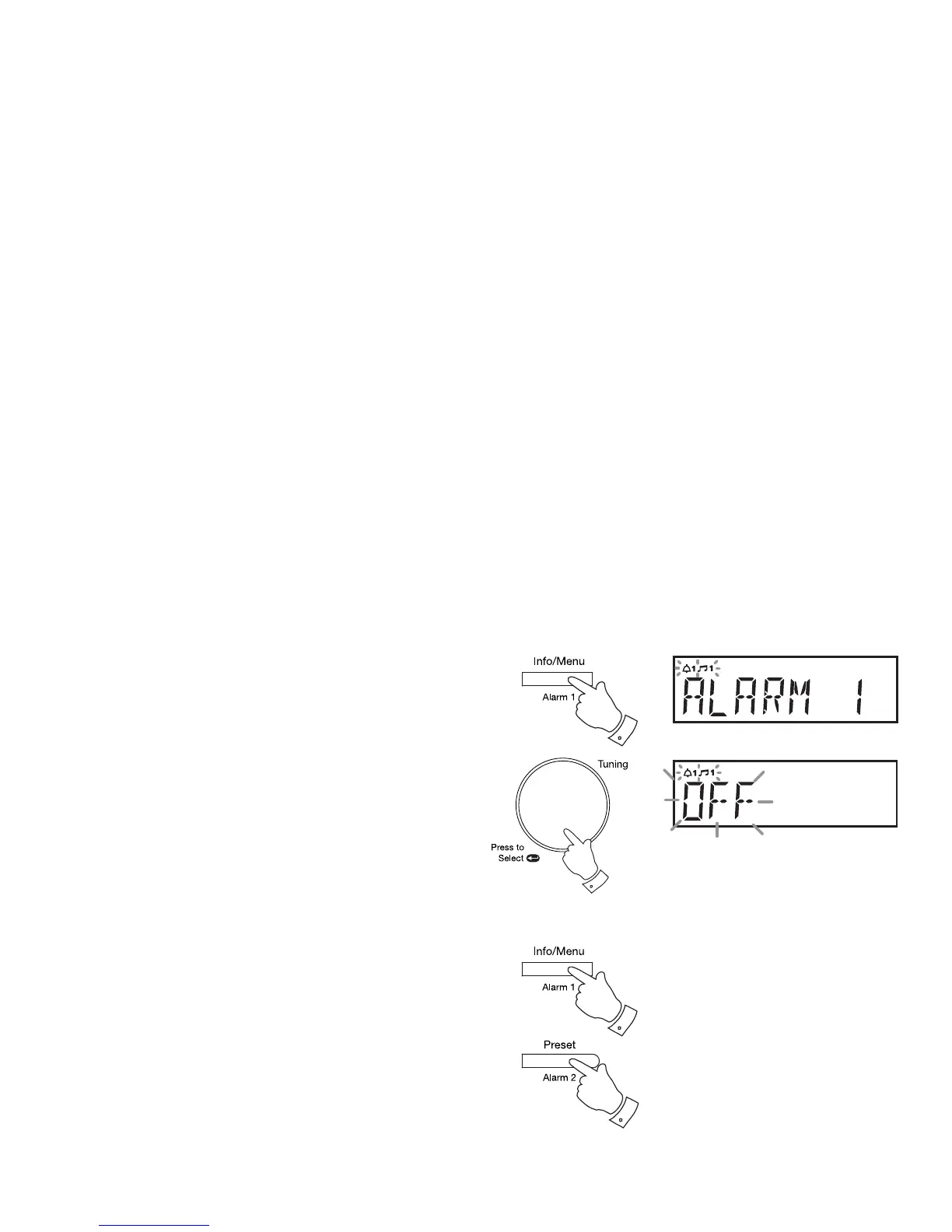
Disable alarms
1. When your radio is in Standby mode, press and hold the Alarm 1
or Alarm 2 button. 'Alarm 1' or 'Alarm 2' will show on the display and
the alarm indicator will fl ash on the display.
2. Press and release the Tuning/Select control to enter the alarm setting
menu.
3. Rotate the Tuning/Select control to select OFF.
4. Press and release the Tuning/Select control to disable the alarm.
Enable or disable alarms
When an alarm has already been confi gured, you may quickly enable or
disable either alarm when the radio is in standby by means of a short press
on the appropriate alarm button, Alarm 1 or Alarm 2. This function is also
available when using the Eco power saving mode (page 30).
1
2-4



 To Next Page