21
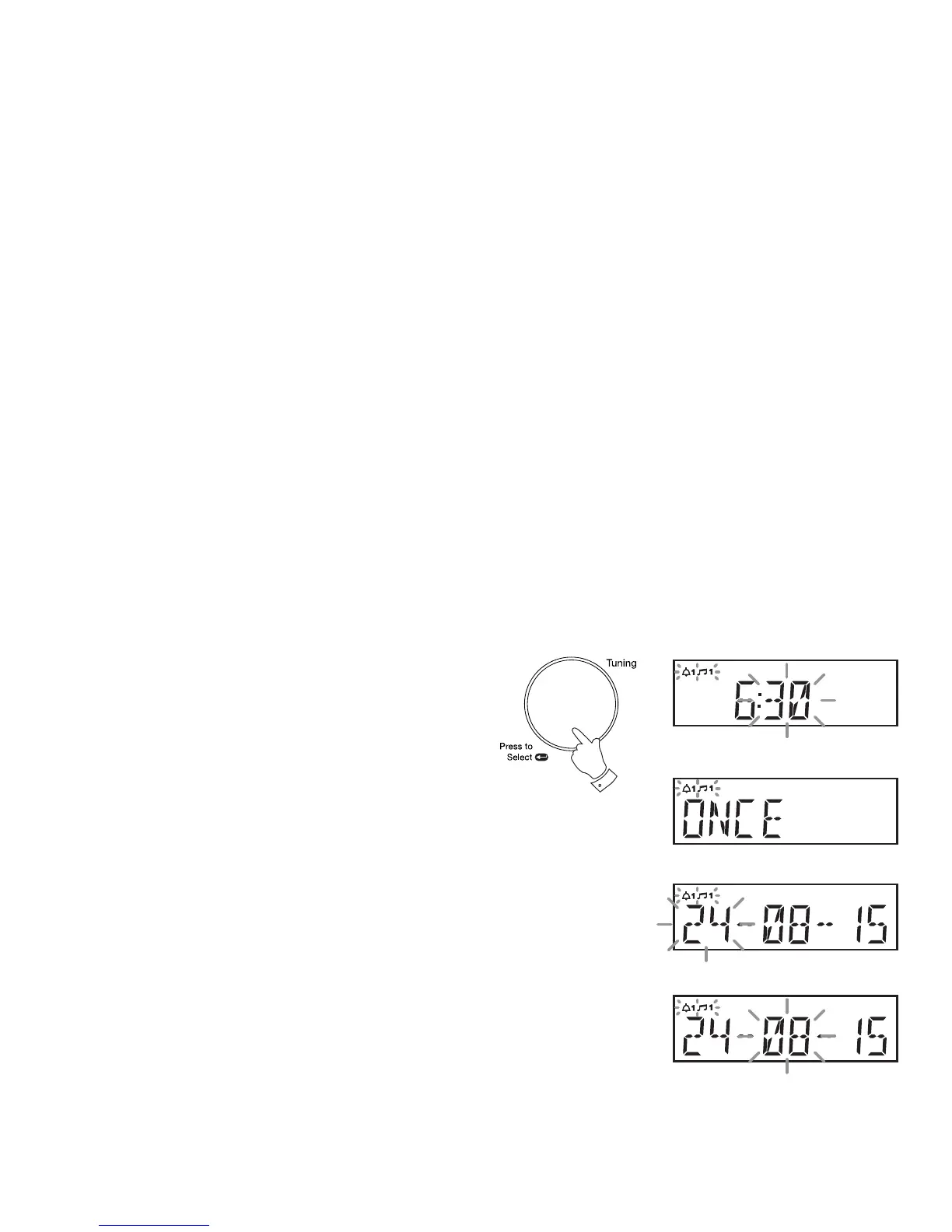
7. Rotate the Tuning/Select control to choose the desired alarm minute.
8. Press and release the Tuning/Select control to enter the minutes
setting. The alarm day option will show on the display.
9. Rotate the Tuning/Select control to choose the desired alarm day
option:
Once - Will sound at one time only
Weekends - Will sound only on weekends
Weekdays - Will sound only on weekdays
Daily - Will sound everyday
• If setting the alarm to once only, continue with step 10 below. Otherwise
skip to step 16 on the following page.
10. Press and release the Tuning/Select control to enter the setting. The
alarm day will fl ash on the display.
11. Rotate the Tuning/Select control to choose the alarm day.
12. Press and release the Tuning/Select control to enter the alarm day
setting. The alarm month will fl ash on the display.
13. Rotate the Tuning/Select control to choose the alarm month.
7-13



 To Next Page