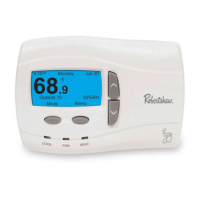
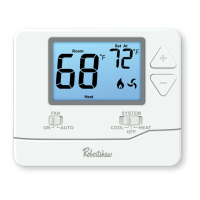
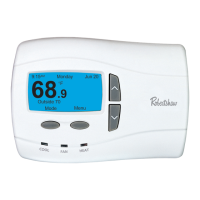
33
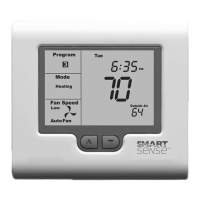
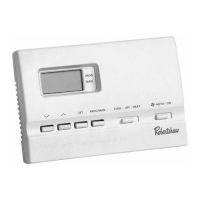
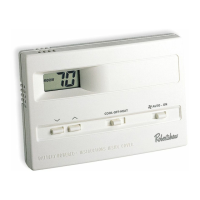
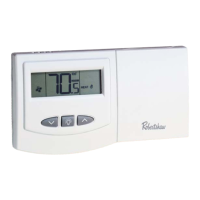
Figure 12 Figure 13
PressthePROGbuonagain,nowtheMinutedigitsashes.Usethep or
buttons tosettheminutestothemeyouwishthebuildingaircondioning
system to START for the currently selected day.
PressthePROGbuontoadvancetothenextstep.TheLCDwillshowtheword
STOPwiththehoursdigitashing.Usethep or buttons to adjust the hours to
themeyouwishthebuildingaircondioningsystemtoSTOPforthecurrently
selected day.
PressthePROGbuonagain.NowtheMinutedigitsash.Usethep or
buttons tosettheminutestothemeyouwishthebuildingaircondioning
system to STOP for the currently selected day. The LCD will now show the word
CO PY.


 To Next Page
 Loading...