43
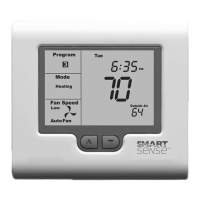
Symptom Problem Solution
Cannot enter
heat or cool
modes.
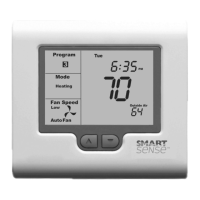
SMART 2000 thermostat set for
HeangorCoolingonlymodes.
Heangorcoolingmodeisnot
available on your system.
Cannot set
heangand
cooling to desired
value. Padlock
symbolashes.
This is not a fault.
Your installer has set control
limitsfortheHeangand/or
Cooling set temperature.
Contact your installer and
request these limits to be
removed / adjusted.
Outside Air
Temperature
display is showing
dashes.
Outside air temperature air
sensor has failed.
Check wiring and outside air
sensor.
Replace outside air sensor.
Nooutsideairsensored. Installer has set TT terminal
funconincorrectly–Callfor
service.


 To Next Page
 Loading...