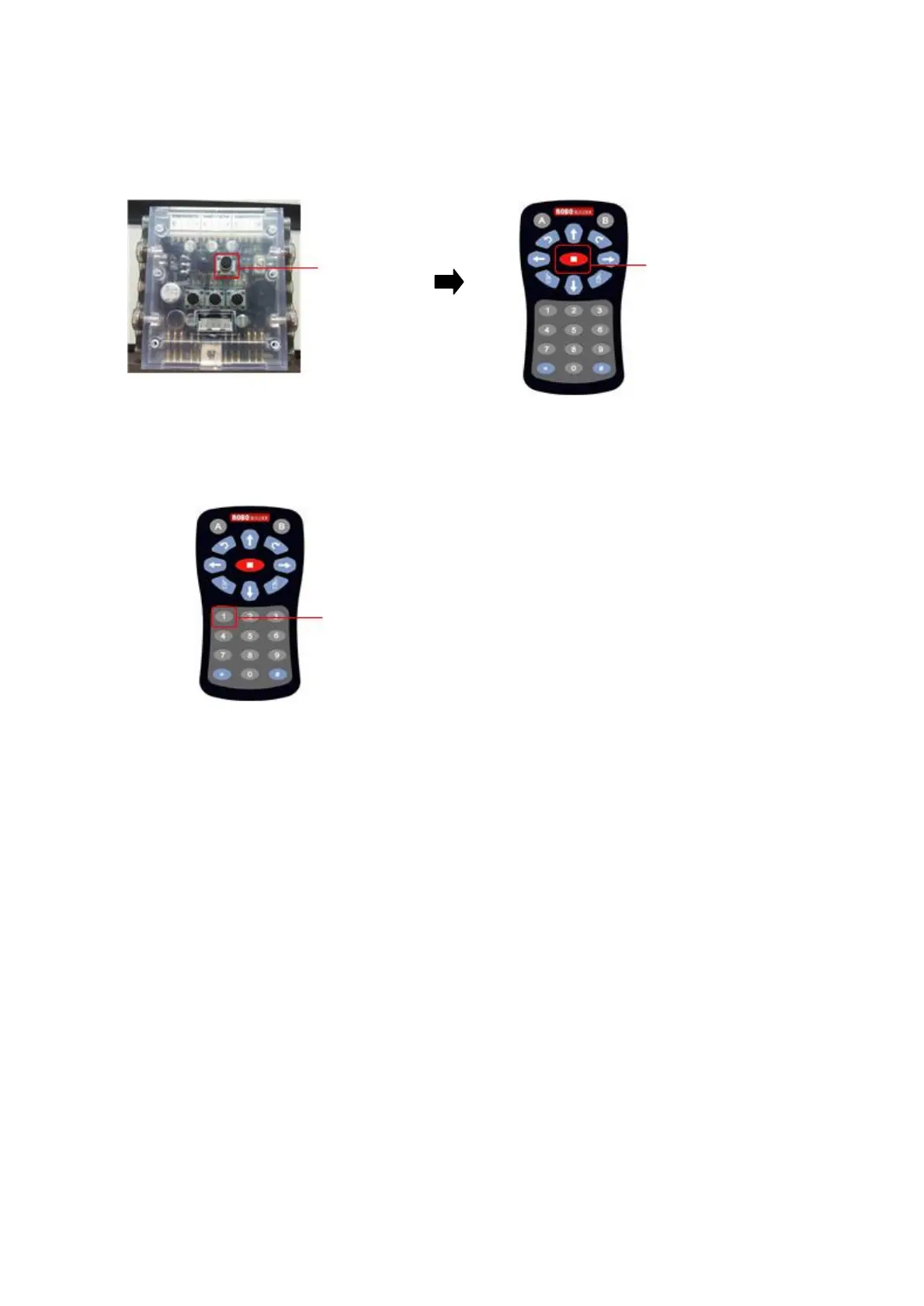
3. After power-on smart controller (it is “stop” state), press STOP button of IR remote controller.
If IR remote controller is not working, check whether IR remote controller is registered.
(See the page 8 - IR remote controller registration)
Button P STOP button
4. Press button 1 in IR remote controller.
Button 1
Each smart servo set initial position after the above procedures.
Now, disconnect all the “w Cables” from the smart servos and smart controller in order to assemble
RQ HUNO robot from the “RIGHT LEG ASSEMBLY”.



 To Next Page