2.8 Check Assembled Robot
<Basic Posture>
Let’s find out how Robot works after assembly. Firstly, power on (press button ‘P’) in smart controller.
Then, press ‘stop’ button of IR remote controller towards IR remote controller receiver.
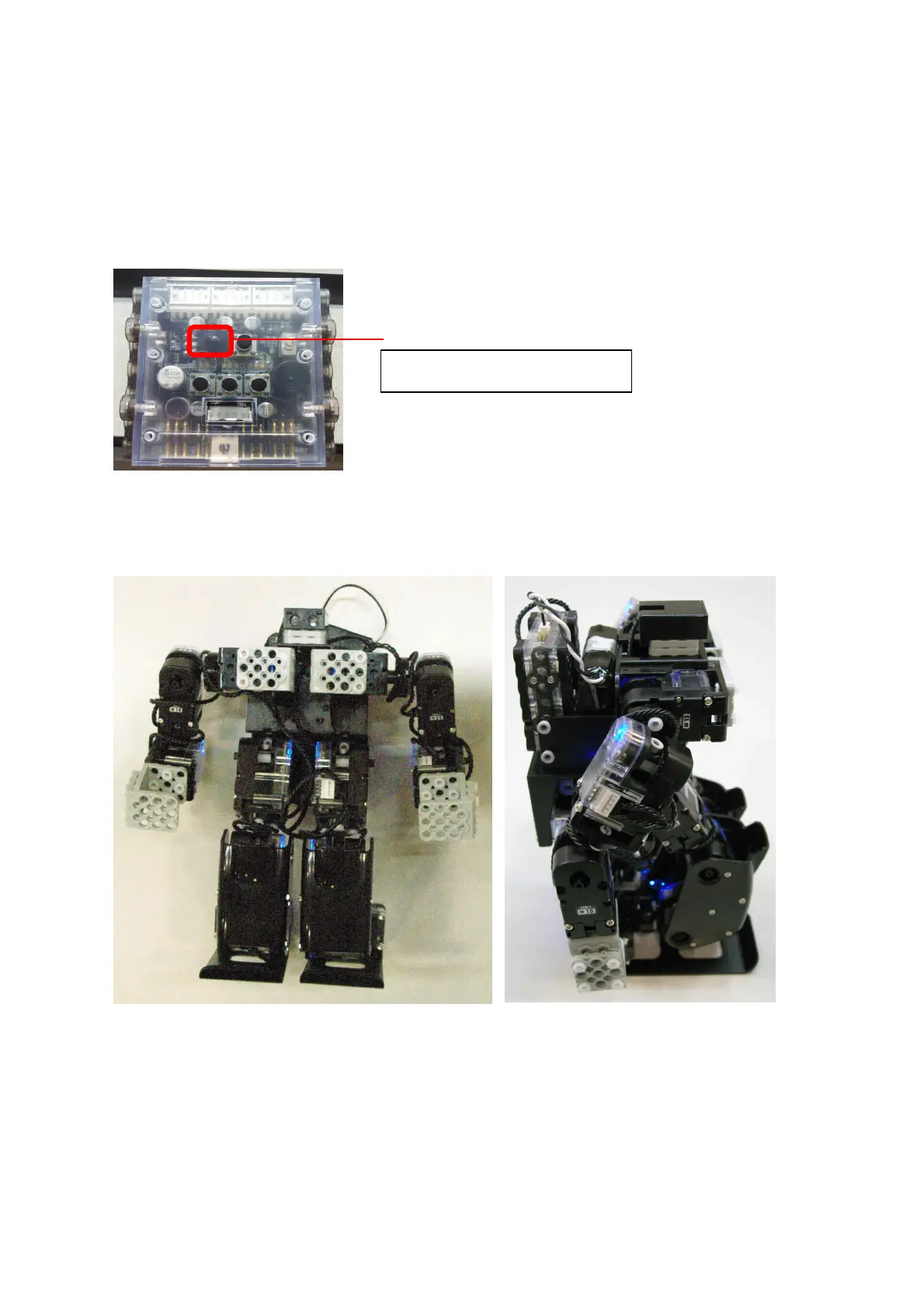
Then Robot will take the basic posture as shown in the below.
IR remote controller receiver



 To Next Page