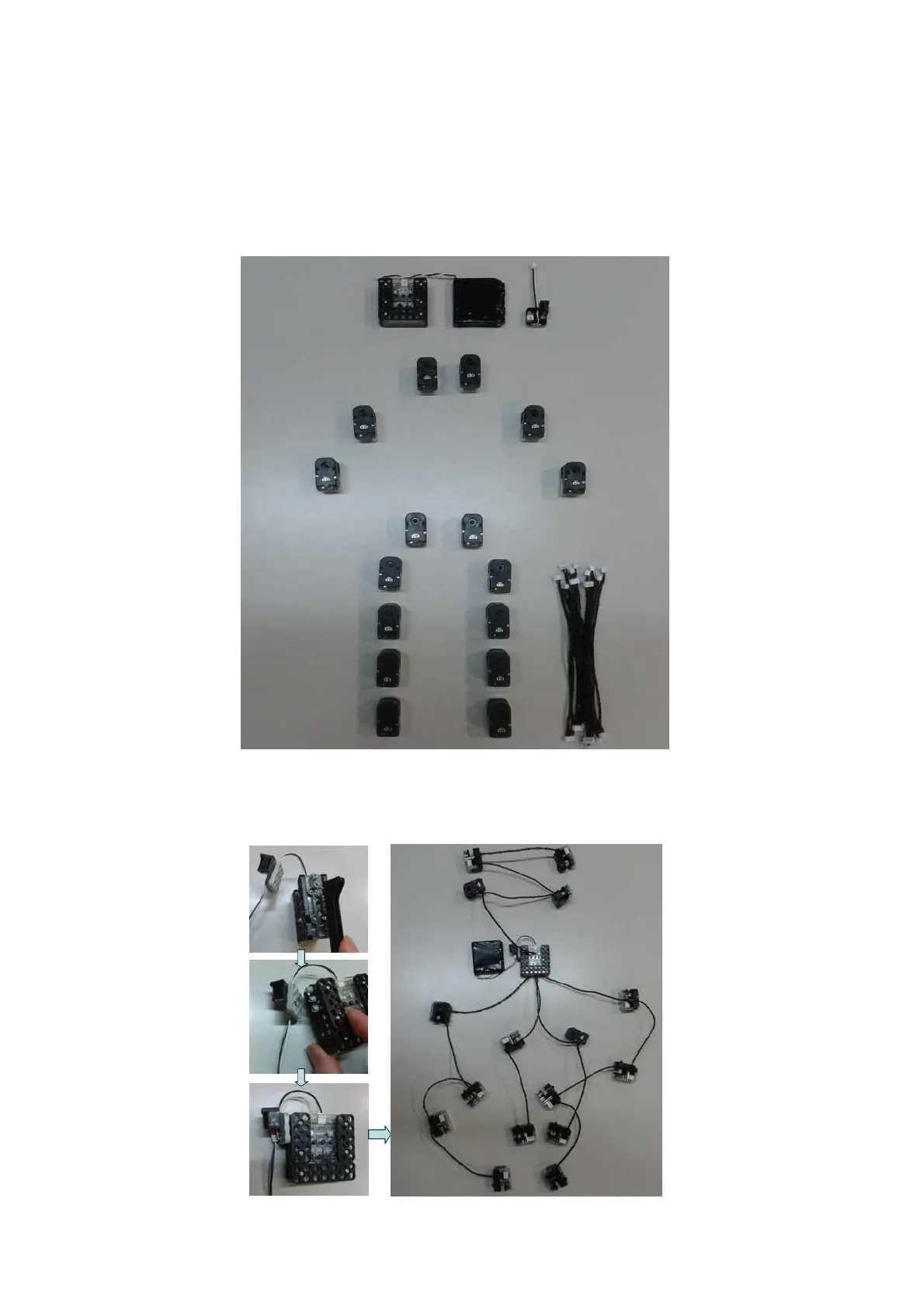
2.2 Smart servo connection and set basic posture position
Set up the RQ-HUNO initial position value in advance before you assembly.
This prevents confusion of smart servo position when you connect joint frame with smart servo.
1. Place all smart servos and other parts as the below.
2. Connect smart servo with the other smart servo by using “w Cable”, then also connect to smart
controller at the end as the below.



 To Next Page