51
MIDI Channels
The Replifex
can receive MIDI commands from other MIDI transmitting devices, as well as transmit
MIDI program changes to other MIDI-based equipment when a preset is recalled on the Replifex
. The
MIDI Channels function allows you to select the MIDI channels that the Replifex
will receive and transmit
MIDI information on.
Step 1
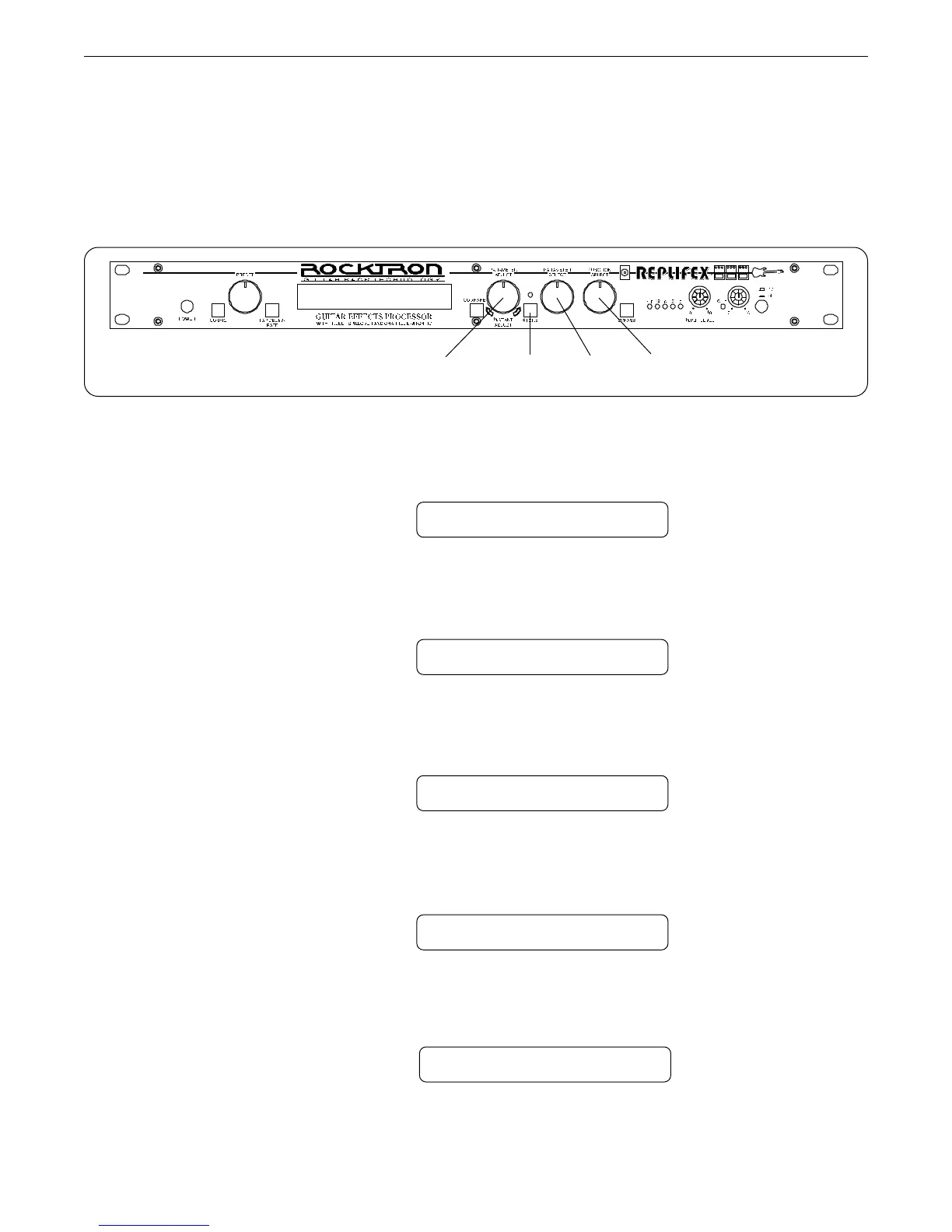
Turn the FUNCTION SELECT control clockwise until the Replifex
™
displays "MIDI CHAN-
NELS".
MIDI CHANNELS
Step 2
Turn the PARAMETER SELECT control one step clockwise to display the current MIDI
Receive channel.
RECEV CHANL 1
Step 3
Turn the PARAMETER ADJUST control to select the desired MIDI channel. You may select
channels 1-16, OMNI (all channels) or OFF (will not receive MIDI commands).
RECEV CHANL OMNI
Step 4
Press the STORE button to save the new MIDI Receive channel. "STORED" will flash briefly
on the display.
STORED
Operating the Replifex
™
3,6 4,7 2,5 1
Step 5
Turn the PARAMETER SELECT control one step further to access the MIDI Transmit
Channel status.
TRANS CHANL OFF



 To Next Page