61
Restoring the Replifex
™
memory (all presets):
!! WARNING !!
Pressing the STORE button at this time will permanently erase all
user presets and replace them with the original factory presets. If
you have altered and stored presets which you do not want to erase,
turn the FUNCTION SELECT control to exit this function.
Step 1
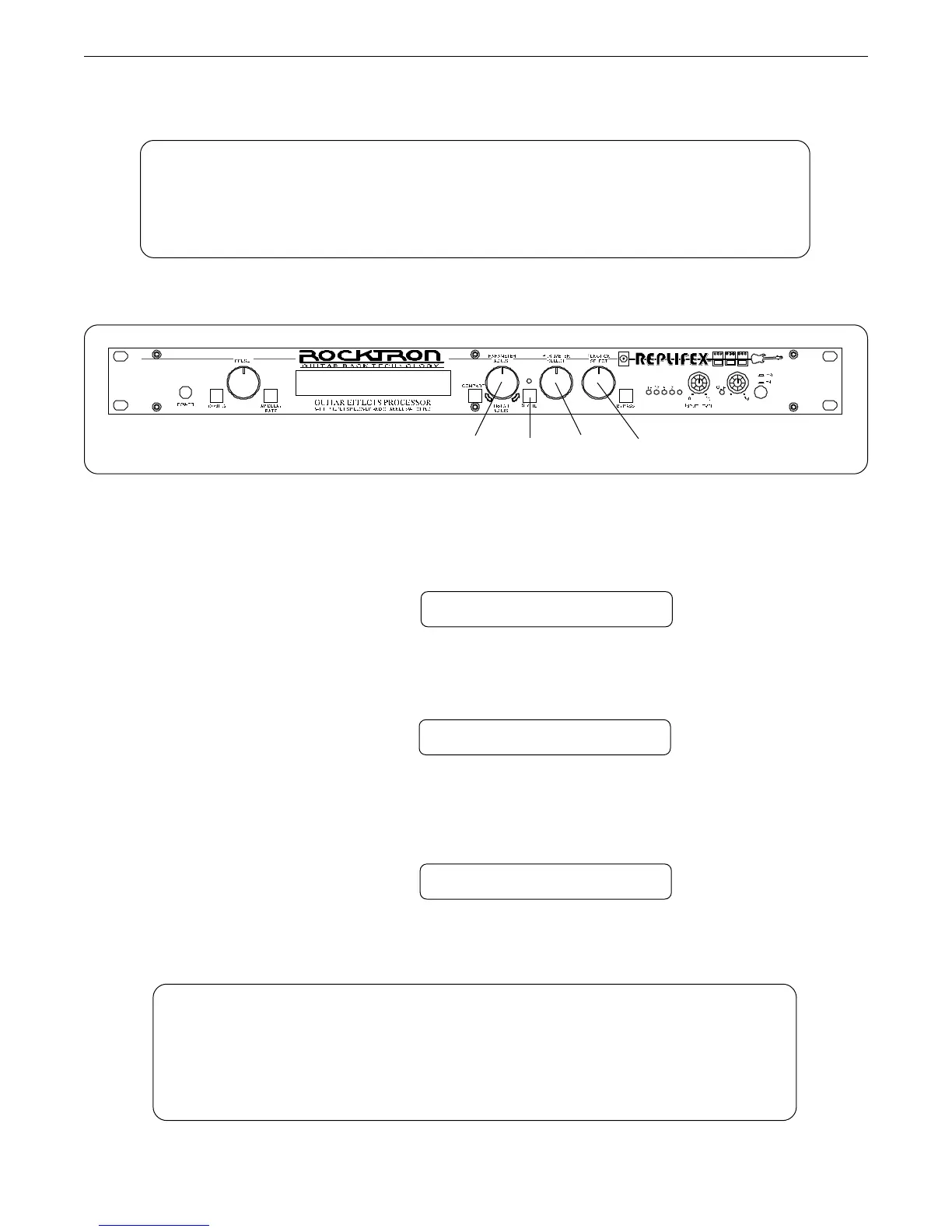
Turn the FUNCTION SELECT control clockwise to "FACTORY RESTORE".
FACTORY RESTORE
Step 2
Turn the PARAMETER SELECT control two steps clockwise to "ALL RESTORE 0".
ALL RESTORE 0
Step 3
A specific code number must be entered to restore the Replifex
™
memory. Use the PARAM-
ETER ADJUST control to enter the number "243".
ALL RESTORE 243
Operating the Replifex
™
4213
!! CAUTION !!
This procedure will permanently erase all user presets (1-128) and replace them
with the original factory presets. If you have altered and stored presets which
you do not want to erase, do not perform the following procedure.



 To Next Page