39
Step 2
Step 3
Step 4
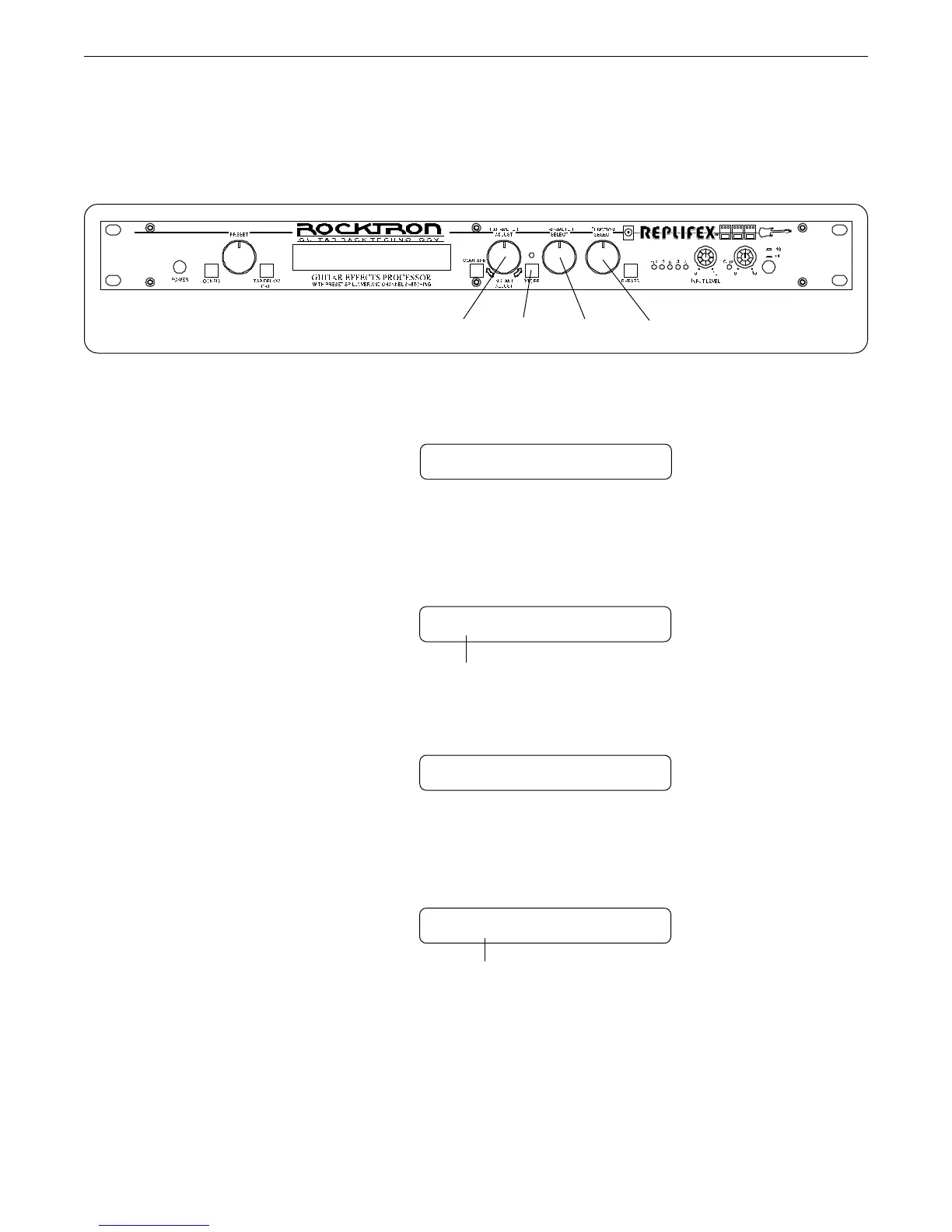
To begin the Title Edit function, turn the FUNCTION SELECT control clockwise until the
Replifex
™
displays "TITLE EDIT".
To edit the character in the next position, turn the PARAMETER SELECT control one step
clockwise. The flashing decimal will move to the next character.
Use the PARAMETER ADJUST control to select the desired character for the current posi-
tion (flashing decimal).
Turn the PARAMETER SELECT control clockwise to initiate the Title Edit mode. Turning
this control will also select the character location to be edited. A flashing decimal will follow
the character currently selected.
Editing a preset title
SS TITLE EDIT SS
57 P.RESET TITLE
57 MR.ESET TITLE
57 M.RESET TITLE
(Flashing Decimal)
(Flashing decimal)
Operating the Replifex
™
Step 1
2,4 153



 To Next Page