69
Step 1
Selecting a Configuration
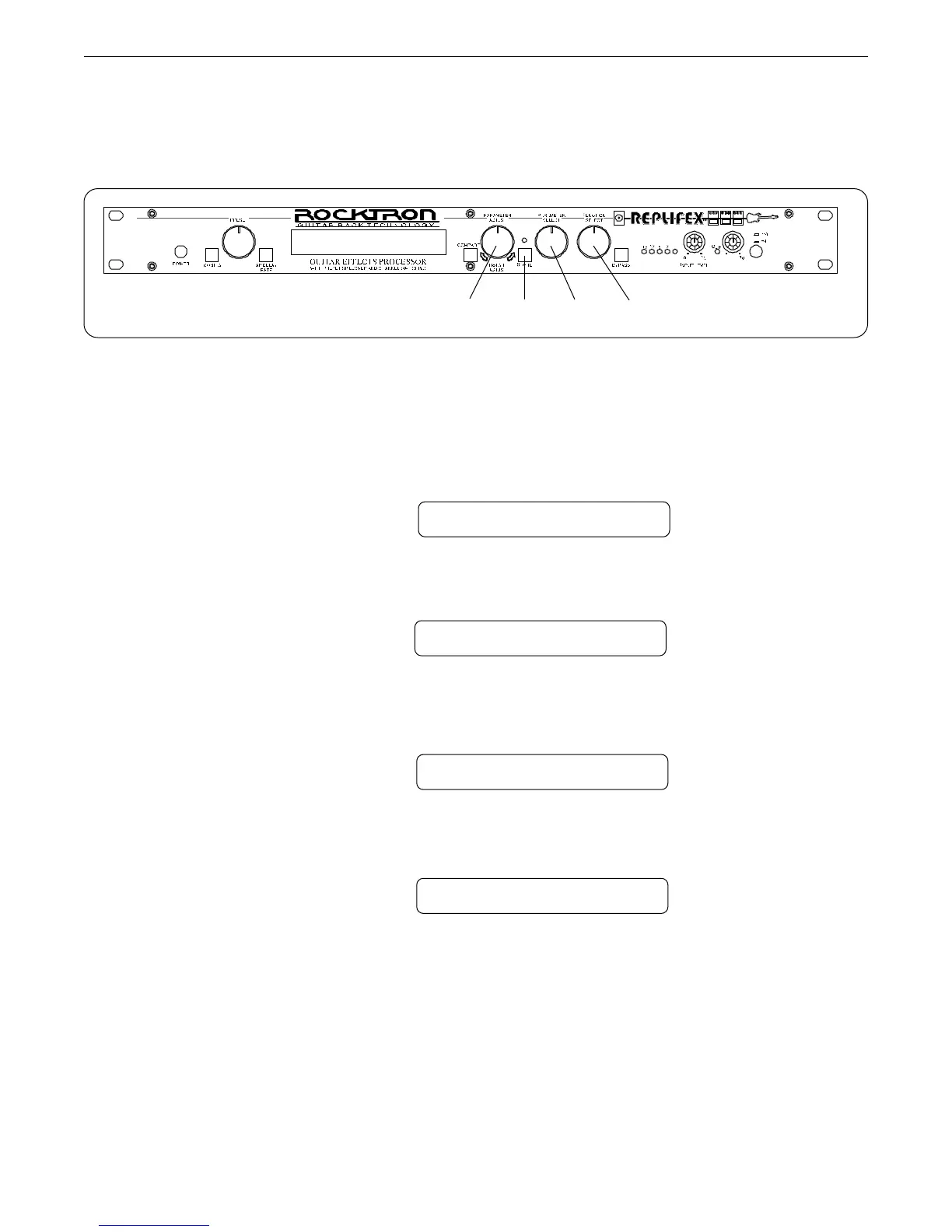
Turn the FUNCTION SELECT control fully clockwise to "CONFIG SELECT".
The Replifex
allows you to select which configuration - Classic or Rotary - is active for the current
preset.
CONFIG SELECT
Operating the Replifex
™
Step 2
Turn the PARAMETER SELECT control to access the "XXXXXXX SELECTED"
parameter.
Step 3
Turn the PARAMETER ADJUST control to select the desired configuration.
ROTARY SELECTED
Step 4
Press the STORE button to save the selected configuration. "STORED" will flash briefly on
the Replifex
™
display.
STORED
CLASSIC SELECTED
4312



 To Next Page