18
Selecting and conguring a scene
Select a scene
1.
Press the [scene] button.
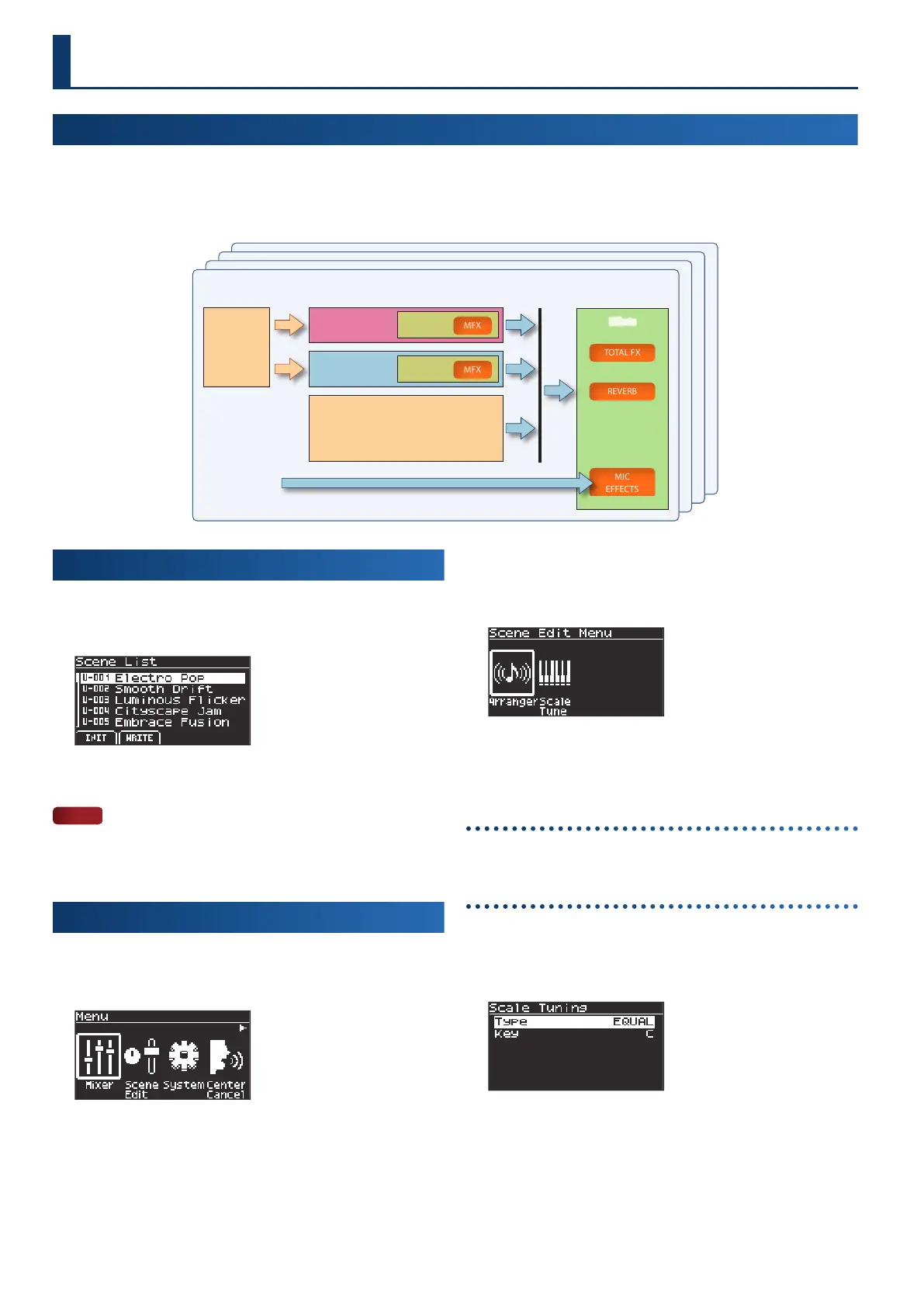
The Scene List screen appears.
2.
Use the dial to select a scene.
NOTE
Once a scene is edited, an asterisk (edit mark) appears before the
scene name. If you switch from a scene marked with an asterisk to
a dierent scene, the edits you made are lost.
Editing a scene (Scene Edit)
1.
Press the [menu] button.
The Menu screen appears.
2.
Use the cursor [ÌÌ] [ÊÊ] buttons to select “Scene Edit”
and press the [enter] button.
The Scene Edit Menu screen appears.
3.
Use the cursor [ÌÌ] [ÊÊ] buttons to select the parameter
you want to edit, and press the [enter] button.
Editing the auto-accompaniment (Arranger Setting)
Ø
“Conguring the auto-accompaniment (Arranger Setting)” (p. 29)
Editing the scale (Scale Tuning)
1.
On the Scene Edit Menu screen, select “Scale Tune” and
press the [enter] button.
The Scale Tuning screen appears.
2.
Use the dial to select a parameter, and press the [enter]
button.
The cursor moves to the value.
What is a scene?
The settings for a tone, auto-accompaniment, eects and arpeggio can be stored together in one place as a “scene”. A scene stores the
complete state of your favorite performance settings, including settings for each tone (such as tone number, pan and volume), auto-
accompaniment styles and so on. You can prepare several scenes in which you’ve stored your favorite settings, and then switch between
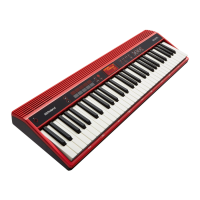
these scenes to simultaneously change a variety of settings. The GO:KEYS can store 256 scenes.
Effects
Scene
Arpeggio
Arranger
Upper part
Tone
Lower part
Tone
MIC INPUT
(GO:KEYS 5 only)



 To Next Page
 Loading...