30
Inputting HDCP Signals
About the HDCP Indicator
The [HDCP] indicator on the top panel operates as described below.
• It lights up when an HDCP compatible device is connected as the output device.
• It flashes when nothing is connected or when the connected device is not compatible with HDCP.
• It goes dark when [HDCP] is set to [OFF].
About Verification of HDCP compatible Equipment
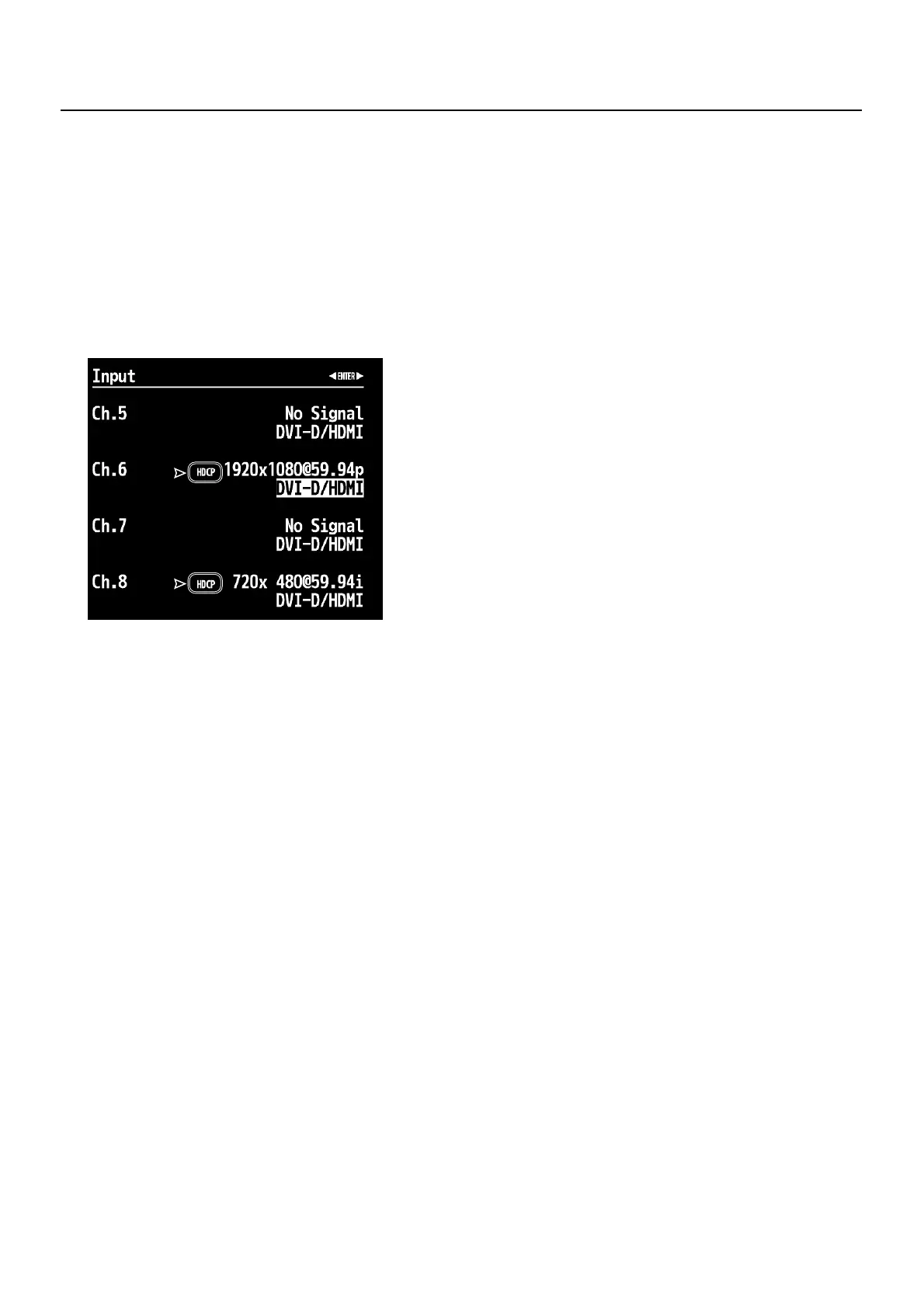
You can examine the HDCP compatibility of source equipment and output equipment. From the Input menu or Output menu,
selecting [HDCP] displays a screen like the one shown below.
* If the target channel is not displayed, press the left or right [CURSOR] button to change the page.
fig.HDCP-status.eps


 To Next Page