49
About Other Features
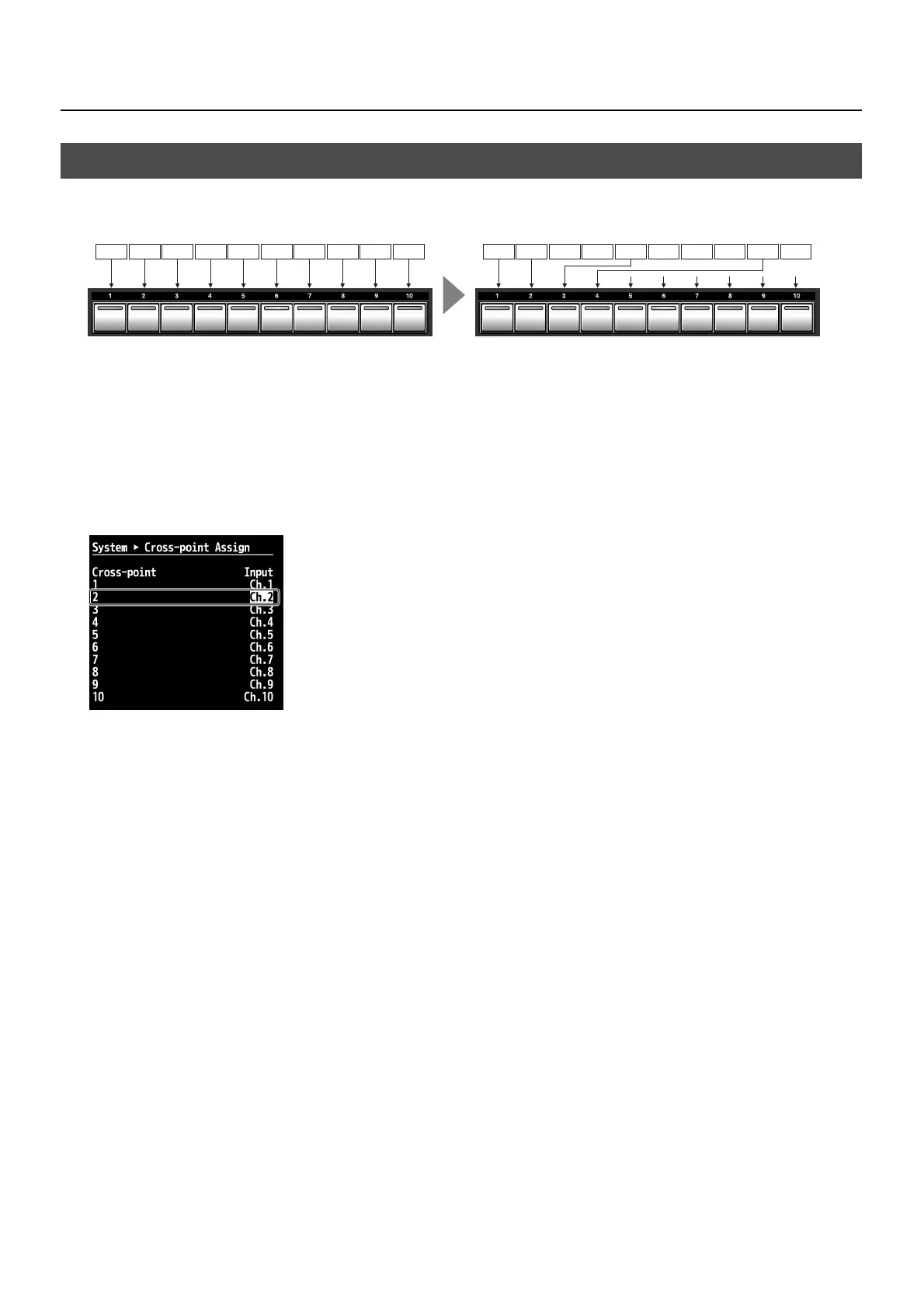
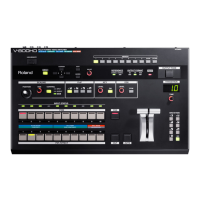
You can assign a source channel to any cross-point button ([1] through [10]). You can also cancel the assignments and disable
button operations.
fig.cross-point-concept.eps
1.
Display the System menu.
Press the [MENU] button to display the menu. Use the [CURSOR] buttons to select [System], then press the [ENTER] button to
display the System menu.
2.
Display the cross-point setting screen.
Select [Cross-point Assign], then press the [ENTER] button. The channel assignments for the respective cross points are displayed.
3.
Change the assignments.
Use the [CURSOR] buttons to select a cross-point ([1] to [10]), then turn the [VALUE] dial to change the channel assignment.
fig.cross-point-menu.eps
4.
Exit the menu.
Press the [EXIT] button several times to quit the menu.
Changing Cross-Points
Ch.1
Ch.2 Ch.3 Ch.4 Ch.5 Ch.6 Ch.7 Ch.8 Ch.9 Ch.10
Ch.2 Ch.3 Ch.4 Ch.5 Ch.6 Ch.7 Ch.8 Ch.9 Ch.10
Ch.1


 To Next Page