25
Basic Operation
When the [MASTER] fader is lowered all the way, no audio is output to the speakers or a computer connected via USB. For information on using
the [MASTER] fader to adjust the final output, refer to “Adjusting the Final Audio Output” (p. 28).
Adjusting the Input Sensitivity and Stereo Position
Use the [GAIN] dials to adjust the input sensitivity and the [PAN] dial to adjust the stereo position.
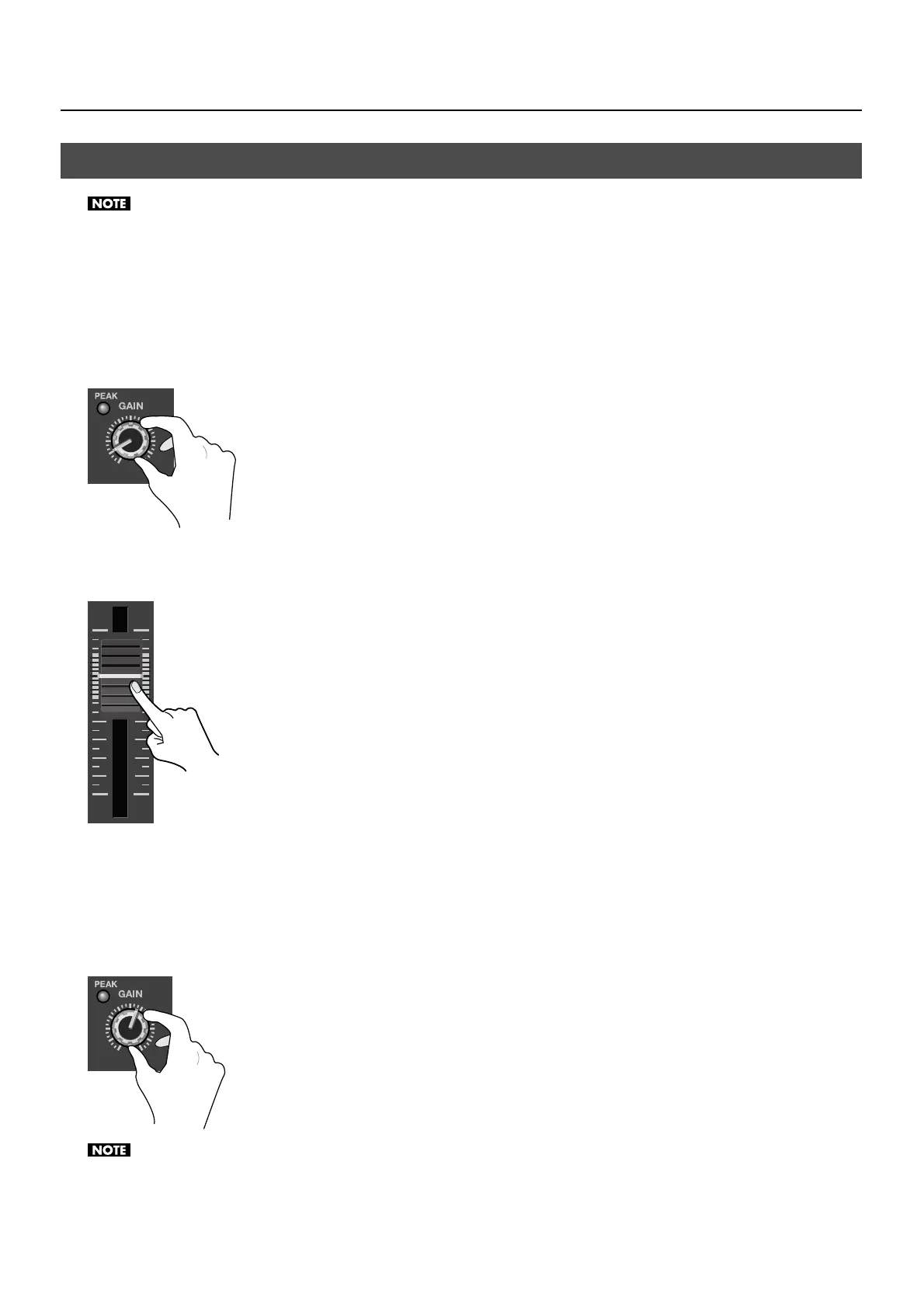
1. Turn down the input sensitivity.
Before mixing your audio sources, first turn the [GAIN] dials counterclockwise to lower the input sensitivity.
fig.gain-low.eps
2. Raise the faders to the unity position.
Raise the faders for each channel to the unity position (the intermediate position in the area of close-set scale markings).
fig.fader-unity.eps
3. Check incoming audio.
Perform a sound check by having audio sent into your microphones or audio input source.
4. Adjust the input sensitivity.
Gradually turn the [GAIN] dials clockwise to increase the input sensitivity. Raise this just enough that the [PEAK] indicators do not
light up when the output from the source is at maximum volume level.
fig.gain-up.eps
Turning the [GAIN] dials may produce a popping noise or cause momentary audio drop-out, but this is not a malfunction.
Adjusting the Audio Balance



 To Next Page