39
Performing Output from the USB Port
Making the Connection to a Computer
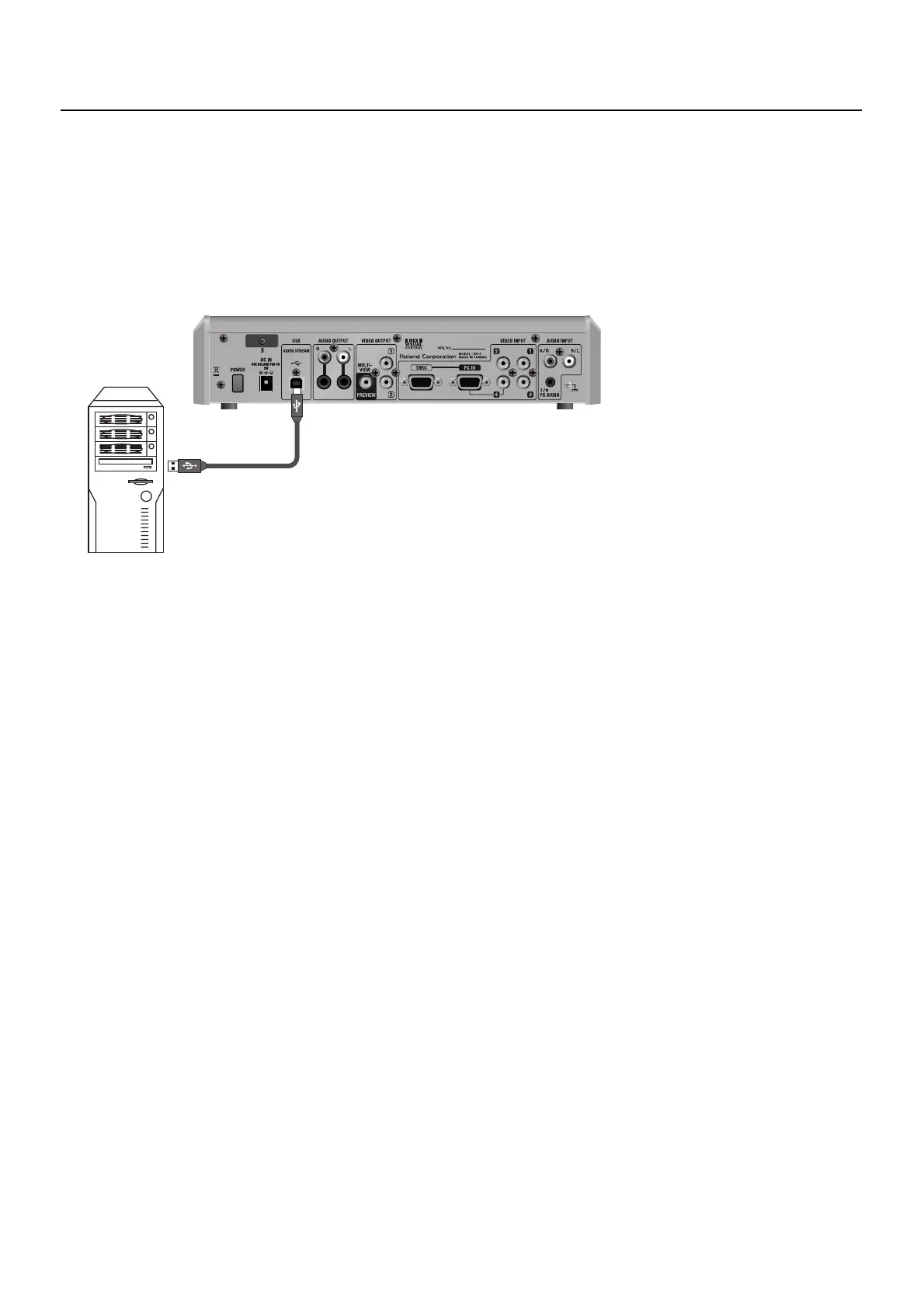
To make the connection to a computer, carry out the steps described below.
1. Connect a computer.
After starting the VR-3 and the operating system on the computer, use the included USB cable to connect the USB port on the VR-
3 to a USB port on the computer.
* Making the connection via an extension cable or USB hub may result in failure of the computer to detect the VR-3. Connect the VR-3 and
computer directly.
fig.connect-USB.eps
2. Wait for communication between the VR-3 and the computer to be established.
A short while after making the USB connection, communication with the computer starts, and the standard driver for the
operating system is automatically installed. Installing a special driver is not necessary.
* The computer recognizes the VR-3 as a USB video device/audio device.



 To Next Page