27
Basic Operation
Adjusting the Volume Balance for Each Channel
Use the faders for 1 through 4 and for 5/6 to adjust the audio levels of the respective channels.
* When audio is input from a computer via the stereo mini connector, it is assigned to channels 7/8. Channels 7/8 have no fader, and the dial is
used for adjustment.
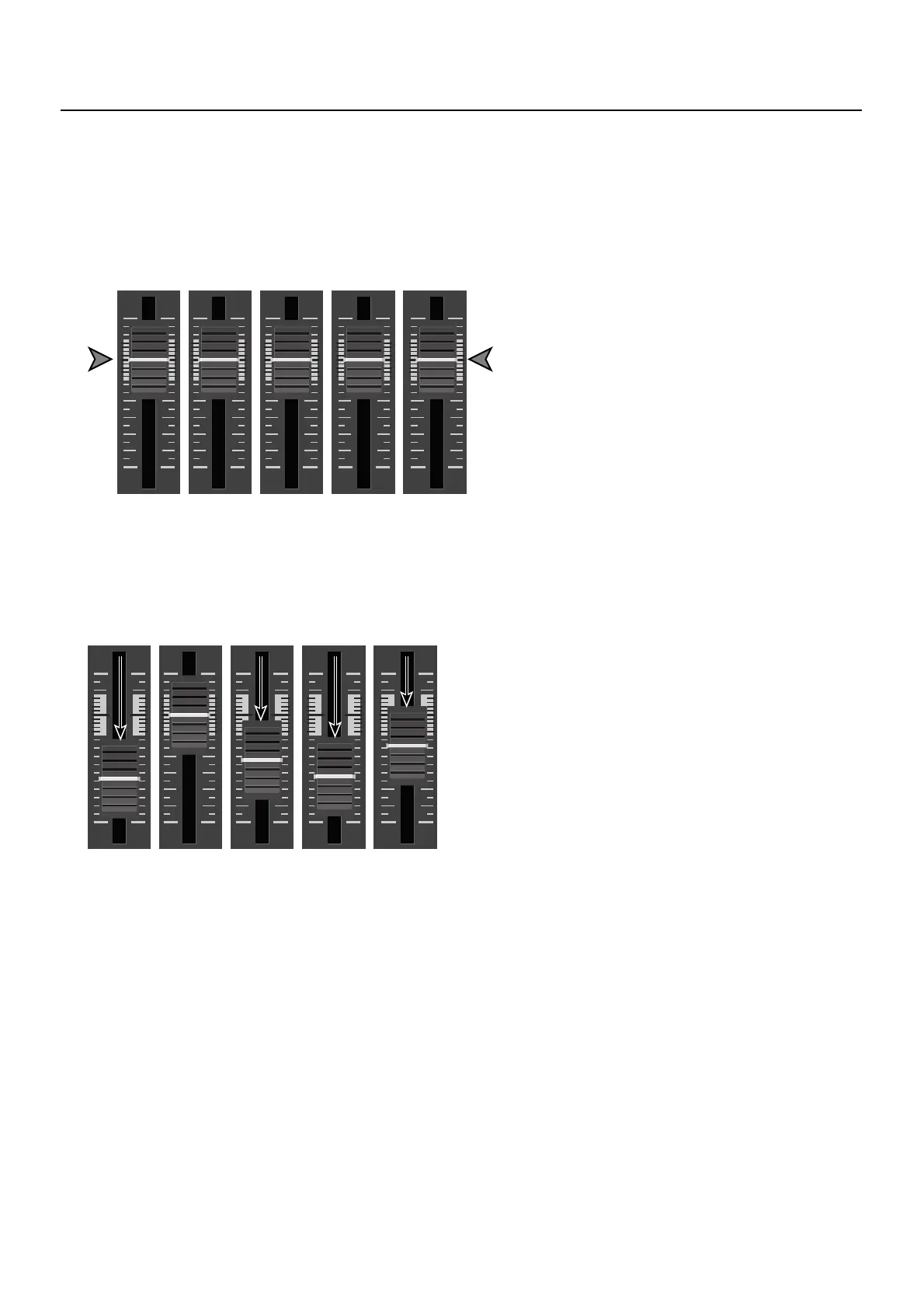
1. Move the faders to the unity position.
For all channels that have input, move their faders to the unity position.
fig.fader-up.eps
2. Select a channel you want to emphasize.
Select a channel you want to make more prominent, for example, the microphone used by a presenter. Leave the fader for that
channel at the unity position.
3. Lower the volume levels of the other channels.
Leave the fader untouched for the channel you want to make prominent, and lower the faders for the other channels.
fig.fader-adjust.eps



 To Next Page