3–20 • Maintenance XPression Prime Maintenance Guide (v01)
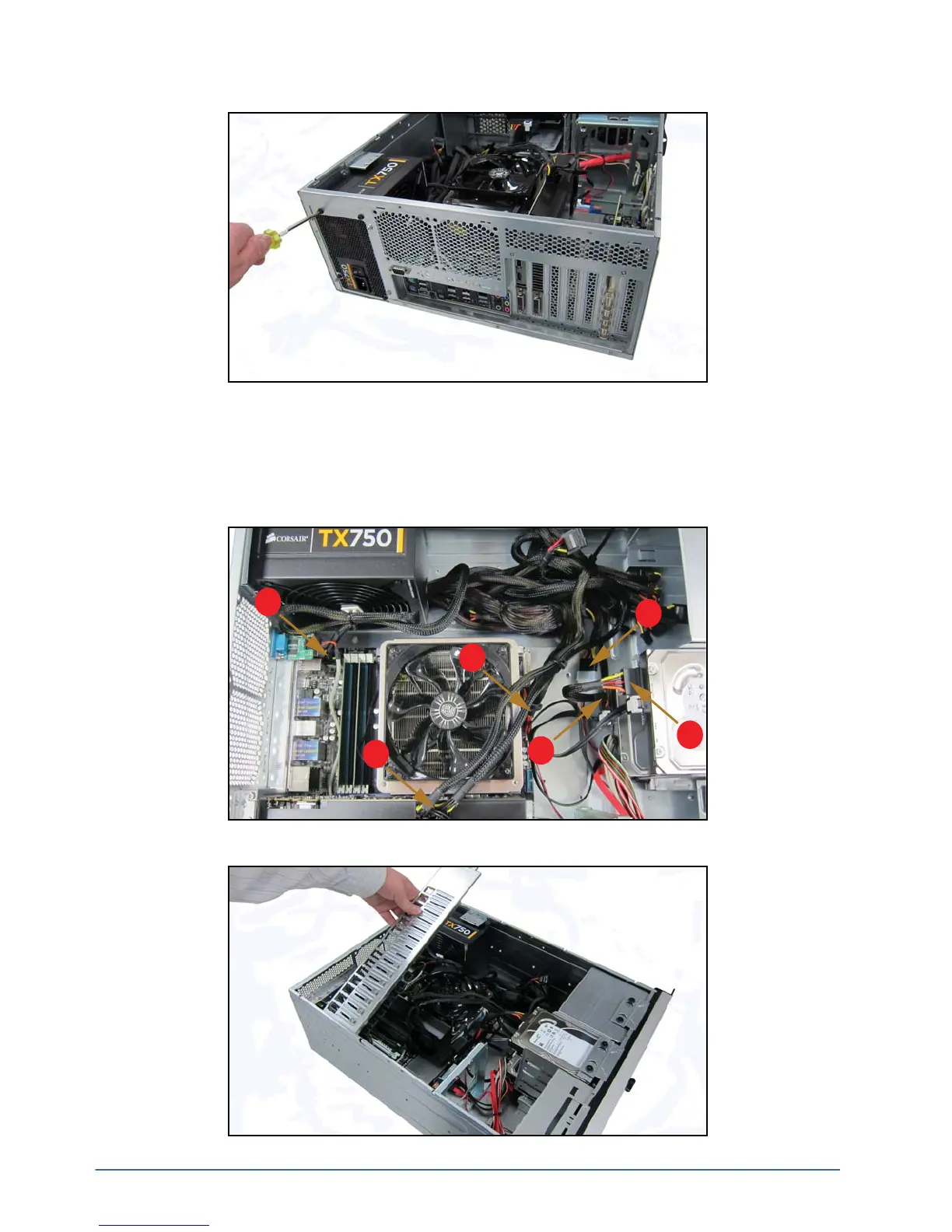
2. Insert and tighten the four screws to fasten the power supply to the XPression Prime chassis.
3. Connect the power supply cables to the XPression Prime system. There are six cables in total to connect:
• two from the motherboard (1, 3)
• one from the GPU (2)
• two from the system drives (4, 5)
• one from the DVD drive (6)
4. Attach the retaining bar.
1
2
3
4
5
6



 To Next Page