XPression Prime Maintenance Guide (v01) Maintenance • 3–21
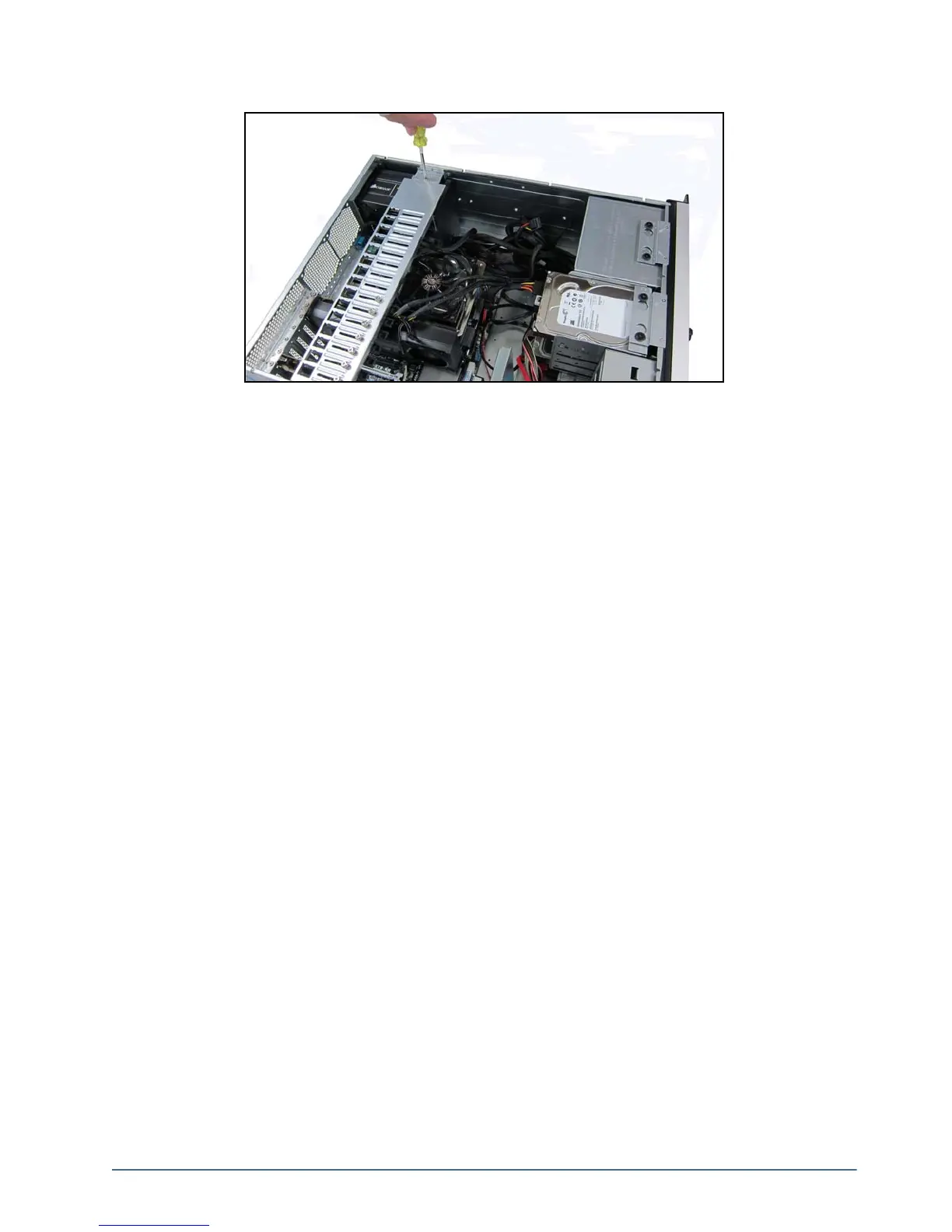
5. Insert and tighten the retaining bar screw.
6. Re-install the top panel on the XPression Prime system. Refer to the section “Removing and Re-Installing the
Top Panel” on page 3–9 for instructions.
7. Connect the power cord to the power supply.
8. At the back of the XPression Prime system, turn on the power switch located on the power supply.



 To Next Page