10
ENGLISH
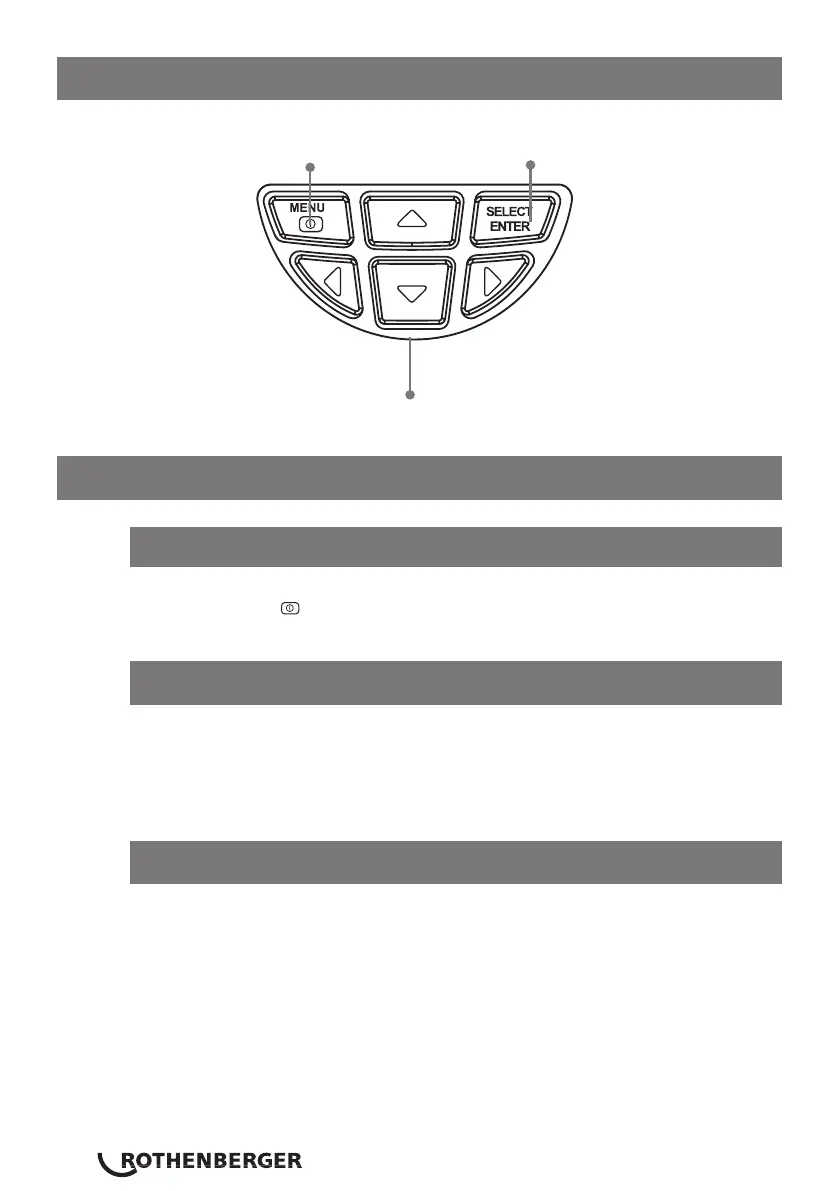
9 Keypad buttons
10 Operation
After turning on, the screen shows the thermal imaging status.
Note: Time adjustment may be required when you move the camera between
environments with varying ambient temperatures.
Hold down the “image capture trigger” for 5 seconds to power on/off the
LED light.
Press & hold the key for 3 seconds to turn the Thermal Imaging Camera
on or off.
10.2 LCD screen display
10.3 LED light
10.1 Power on/off
Menu key & On/off key
Selection key/Enter key
Navigation keys: Up, down, left & right



 To Next Page