18
ENGLISH
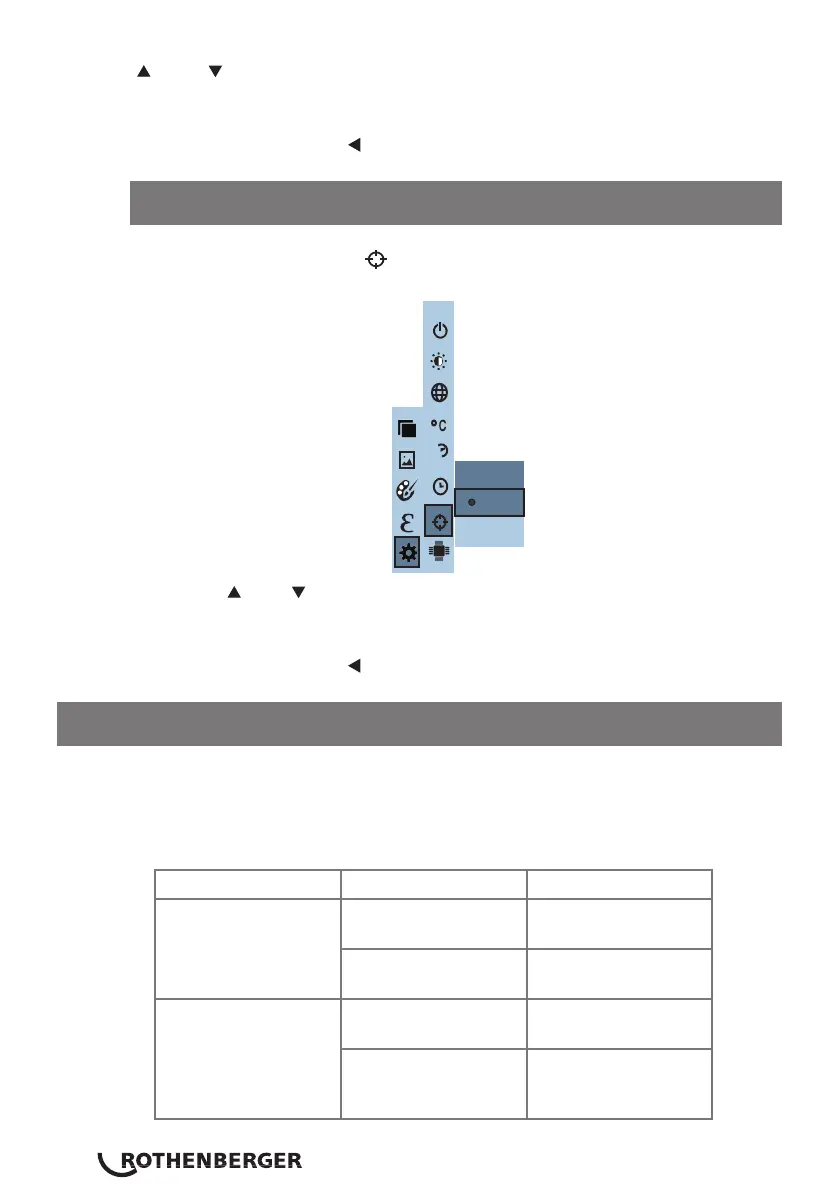
In the cold hotspot menu “ ” you can toggle the hotspot on or off.
Press the “ ” / “ ” keys to either enable or disable the option. Then press
the “ SELECT/ENTER ” key to determine selection.
After setting, press the “ ” key to exit.
12.7 Enable/disable hotspot cursor
” & “ ” key to change the value. After completing the change, press the
“ SELECT/ENTER” key to enter.
After setting, press the “ ” key to exit.
Spot
Off
On
24h
13 Troubleshooting
If you encounter any problems when using the thermal imaging camera
please use the following table for repair. If the problems are not solved, please
cut off the power supply & contact with the manufacturer.
Failure type Failure cause Solution
The thermal imaging
camera will not power
on
The battery is not
installed
Install the battery
correctly
The battery is at Replace with new
battery or charge
The thermal imaging
device powers off
automatically
The battery is at Replace with new
battery or charge
The product is set to
power off automati-
cally
Check the Auto
Shutdown setting
(refer to section 5.1)



 To Next Page