ENGLISH
17
auto power shutdown setting. Can be set how long you want it to be before
the Thermal Imaging Camera automatically shuts down.
After selecting “ ” (Language, press the “ ” key to edit the language
setting. Available in 2 languages: English & French.
After selecting “ ” unit, press the “ ” key to enter the temperature unit
setting. Can be set to Celsius or Fahrenheit.
After you select “
” Time format, press the “ ” key to enter the time
format setting. Can be set to 24 hours or 12 hours.
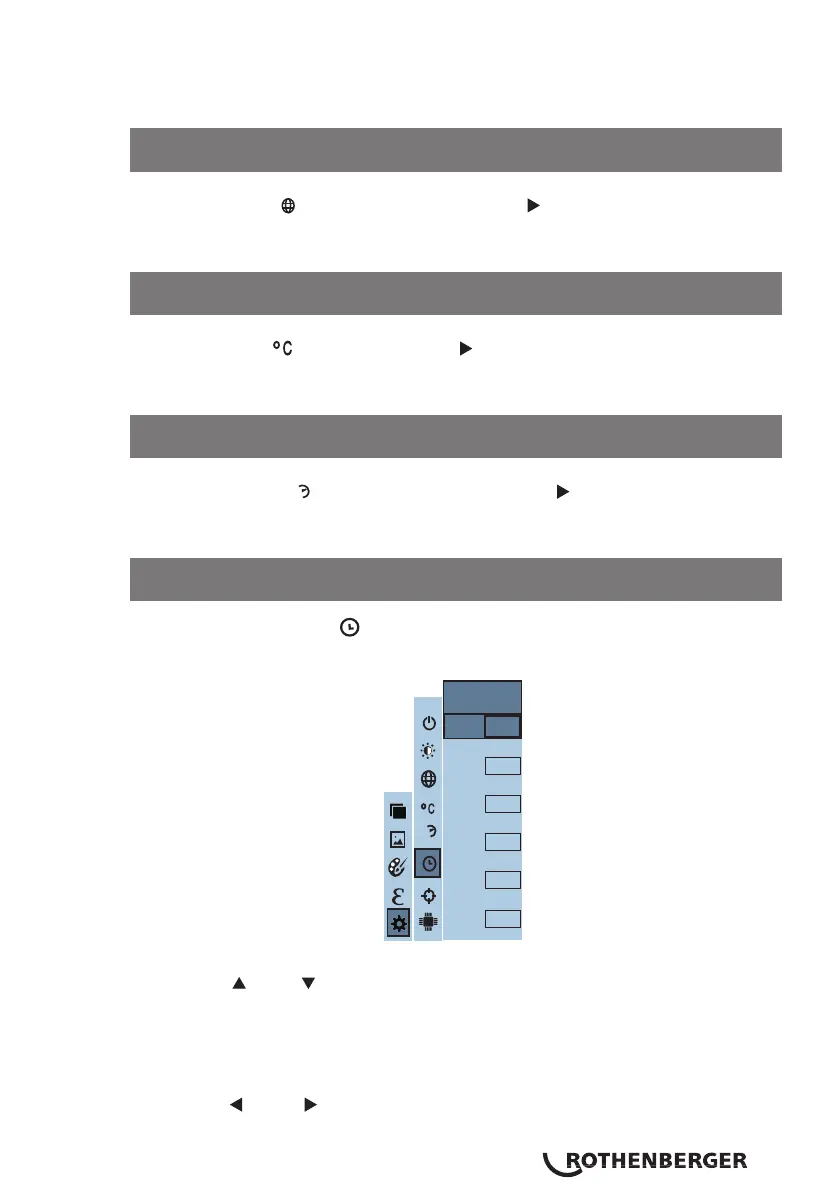
In the Set Time menu “ ” you can set the time and date.
Press the “ ” / “ ” key to navigate between the year/month/day/hour/
minute.
Press the “SELECT/ENTER” key to enter editing mode.
Press the “ ” & “ ” keys to select the parameter to be changed. Press “
12.3 Language setting
12.4 Unit setting
12.5 Time format setting
12.6 Time & date setting
24h
Year
Month
Day
Hour
Minute
2016
9
9
11
33
Second
33
Set time



 To Next Page