OPC90 Server
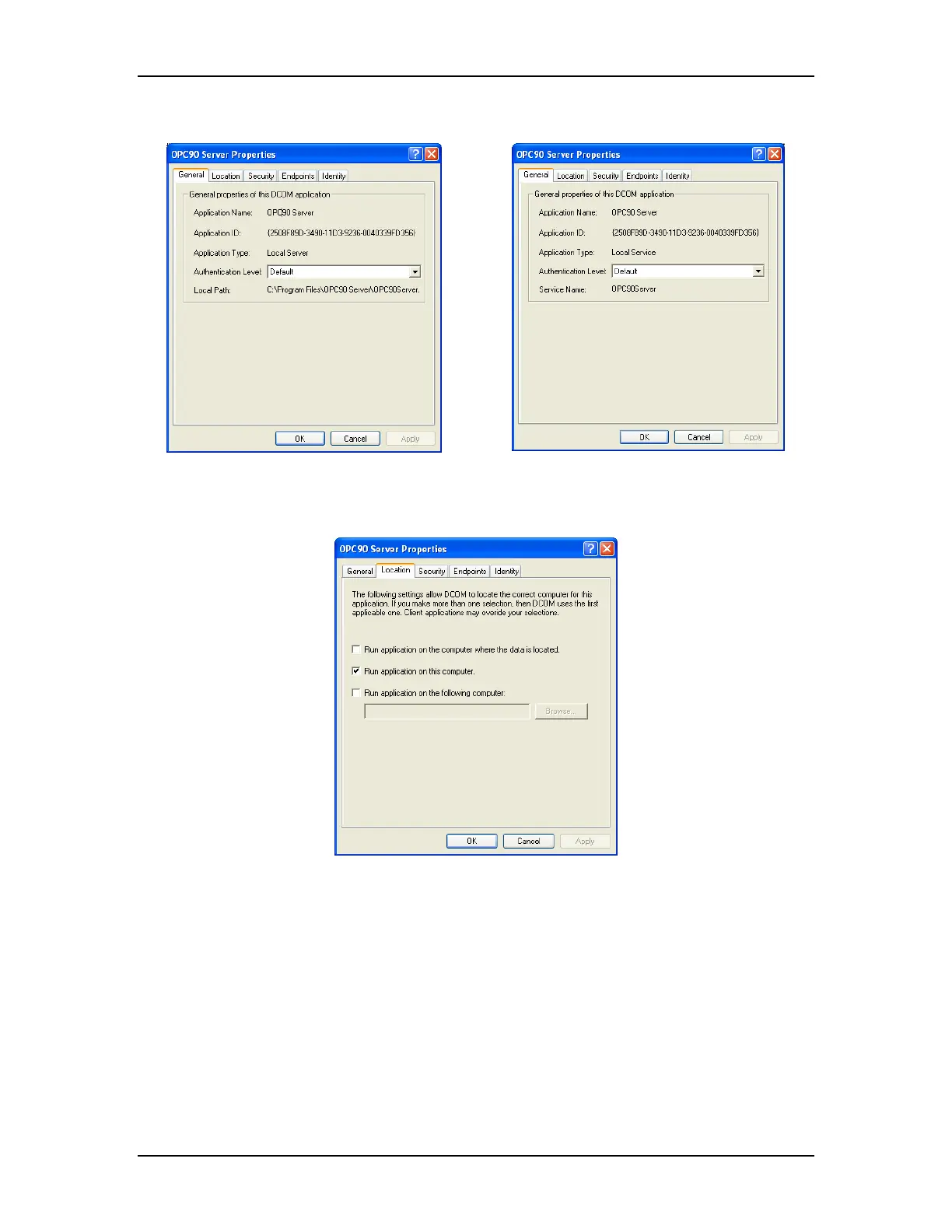
OPC90 not as a Service OPC90 as a Service
Under the General tab set the Authentication Level to (Default). Click on the
location tab and the following dialog will appear:
Enable the “Run application on this computer” checkbox.
Click on the Security tab and the following dialog will appear:
The RoviSys Company Version 7.0 Page 127



 To Next Page