INSTALLING A NEW PAPER ROLL
________________________________________________________
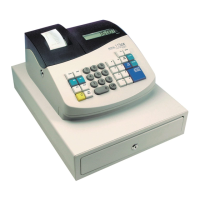
As you use the cash register, you will need to replace the paper roll. Your cash register has a thermal
printer that prints receipts for the customer or a journal tape. Use 2 1/4 inch (57.5 mm) wide standard
thermal register paper. Do not use bond paper because the register does not use a ribbon or ink cartridge
for printing.
Feed
CAUTION
Do not manually pull the receipt paper. Always use the Feed key to remove or advance
the paper. Do not use sharp or pointed instruments in the printer area. This can seriously
damage the printer.
TO INSTALL THE PAPER ROLL
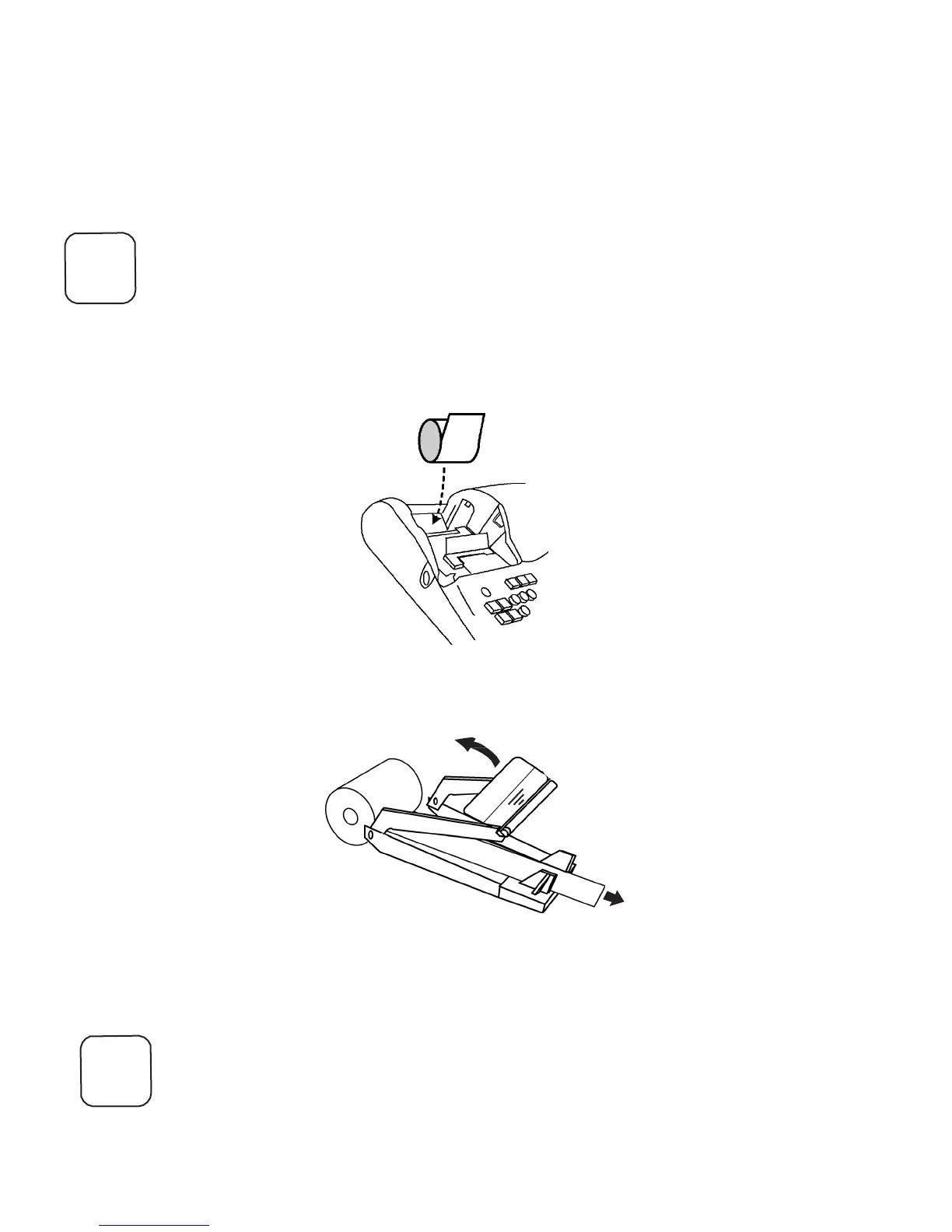
1. Open the Journal Compartment Cover. Remove the Journal Compartment Cover and
set it aside.
Place paper in concaved
cradle
2. Place the paper roll in the concaved cradle at the bottom of the Journal Compartment.
Make sure the paper feeds out from the bottom of the roll, towards the front of the
cash register.
Printer Roll Assembly
3. Grab the middle of the print roller assembly. Pull towards the back of the cash
register and raise the roller bar up.
Feed
4. Lay the end of the paper across the printer as shown. Move the print roller down
onto the paper and snap into place. Make sure both sides are snapped down.
5. Press the Feed key until the paper catches and moves through the printer.
6. Replace the Journal Compartment Cover.
7. Press down on the cover to snap close.



 To Next Page