TEXT PROGRAMMING (Continued)
2) CHARACTER CODE ENTRY:
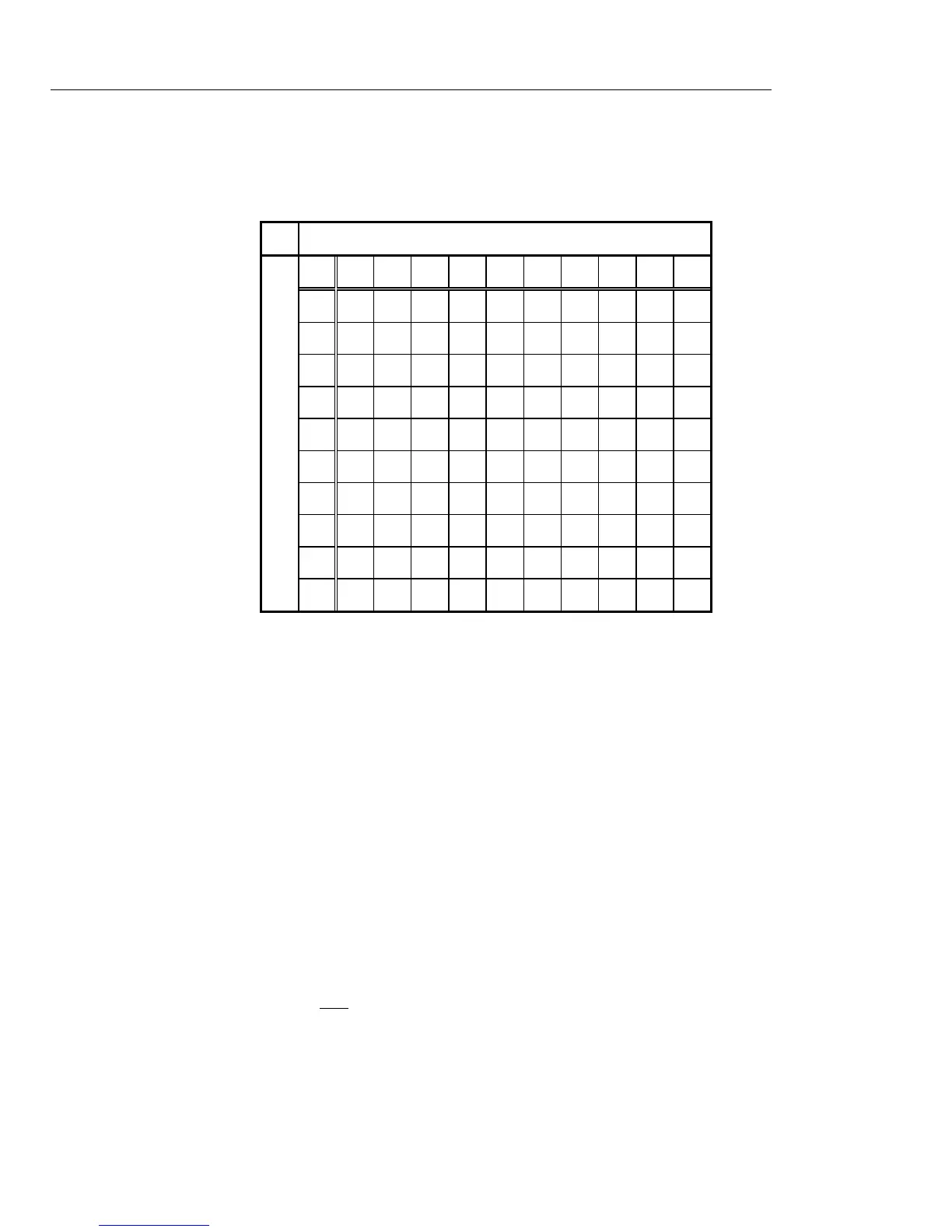
Characters can be entered by two digit codes.
The character code is the following.
DW : Double width code.
Example: "FOOD" is set to the department number 10.
DISPLAY
[ 0 ] <--- Normal programming mode
[<text>] [ d P 0 1 ] <--- Department name
10 [<num.>] [ d P 1 0 ] <--- Department number = 10
46 [ F ] <--- Enter 'F'
55 [ F O ] <--- Enter 'O'
55 [ F O O ] <--- Enter 'O'
44 [ F O O D ] <--- Enter 'D'
[<enter>] [ d P 1 1 ] <--- Fix the text
Note) The alphabet is displayed as follows (independent of character size).
ABCDEFGHIJ_L_NOPQrStUu__YZ
The character with difficult display:
Double width code:
○



 To Next Page