Chapter 11: Examples
98 Alpha 583cx User’s Guide
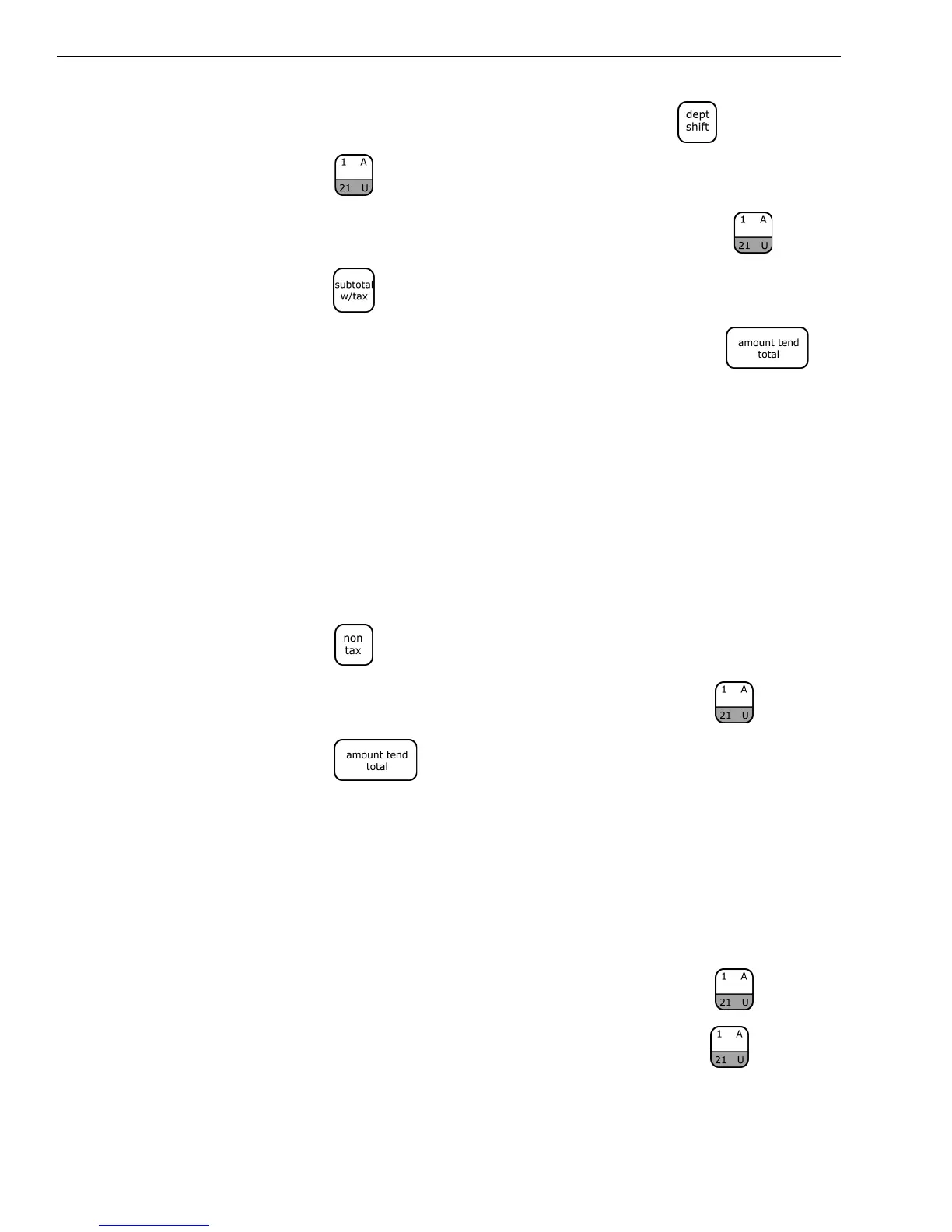
2 In the Number keys area, press 200, then press the key, and then
press the key.
3 In the Number keys area, press 300, and then PRESS the key.
4 Press the key.
5 In the Number keys area, press 1000, and then press the
key.
Note
The register returns to the Non-Shift Mode after each department entry.
Exempting Tax On An Item
Example 34: Assume the Department 1 key is programmed as a taxable
department. Ring up a $1.00 item in Department 1 without charging tax.
To ring an item without charging tax
1 Press the key.
2 In the Number keys area, press 100, and then press the key.
3 Press the key.
Exempting Tax on the Entire Sale
Example 35: Assume the Department 1 key is programmed as a taxable
department. Ring up a $1.00 item and a $1.50 item in Department 1 without
charging tax.
To ring an entire sale without charging tax
1 In the Number keys area, press 100, and then press the key.
1 In the Number keys area press 150, and then press the key.



 To Next Page