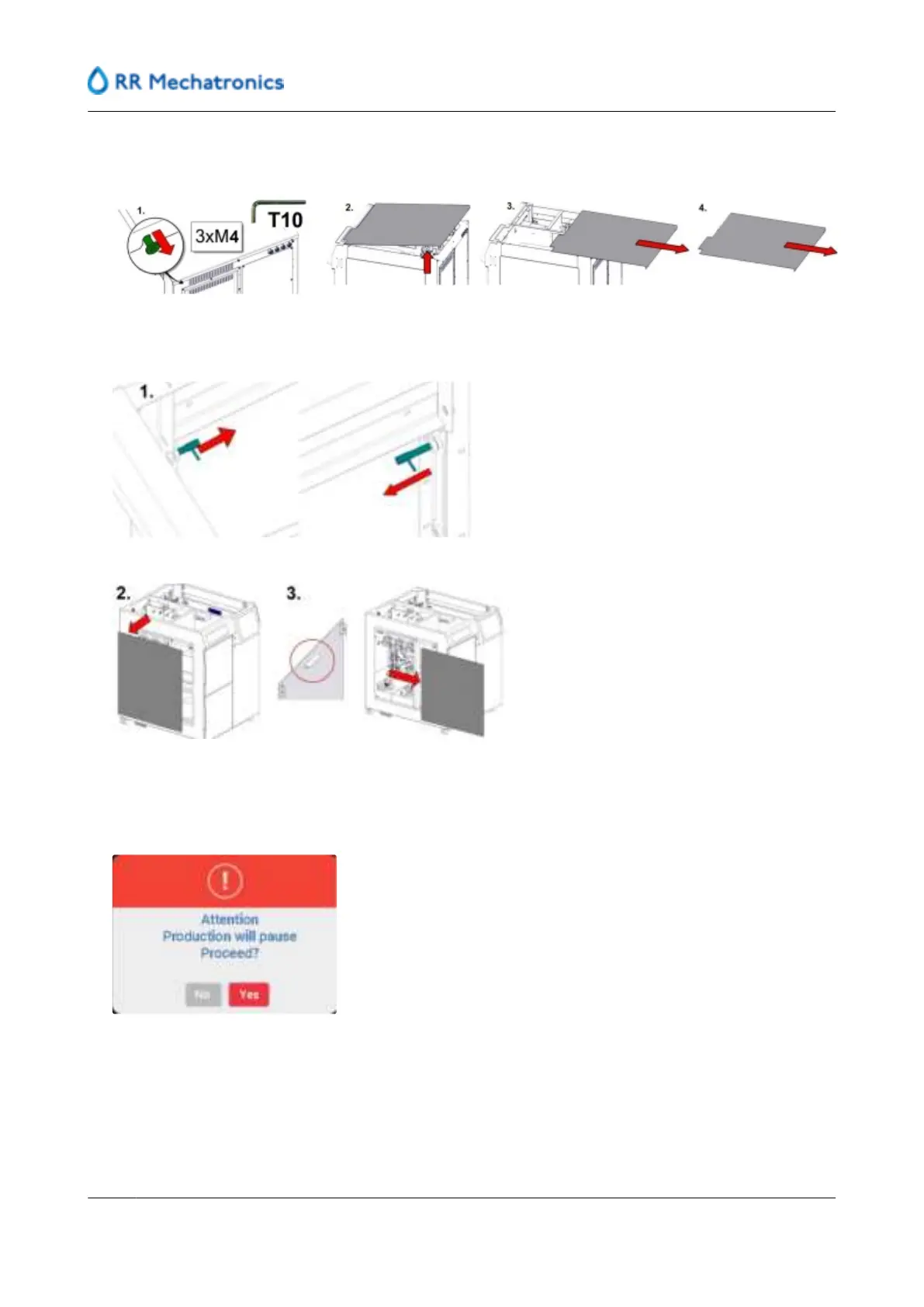
1. Remove the top panel by loosening the three M4 bolts(with Torx T10) at the back, lifting up and fully
removing from the instrument.
2. Undo the latches from the side panel on the inside of the RPI (1) and remove side panel (2) with use of
the handle inside the panel, remove side panel completely (3).
3. Enter software and log in with the applicable credentials.
4. Go to Maintenance and select "RPI"
5. Press Replace peristaltic pump tubes, the following message is given.
6. Press YES to confirm and start actual replacement.
7. Press YES after the message "Instrument will be offline."
Maintenance
78
MRN-184-EN Version 6 (05-01-2022)



 To Next Page