5. Select the Thermistor Type and press Enter. Options include 2252, 3K (default),
10K, and RTD.
6. Select the desired display units and press Enter.
7. The unit will return to the previous menu.
4 OPERATION
This section describes the operation of the VW2106 Readout once the unit has been
powered on (see Section 2.1).
4.1 STARTUP
Once powered on, an opening screen will appear with the RST Instruments logo. If
the user wishes to view the details of the readout, press any key immediately.
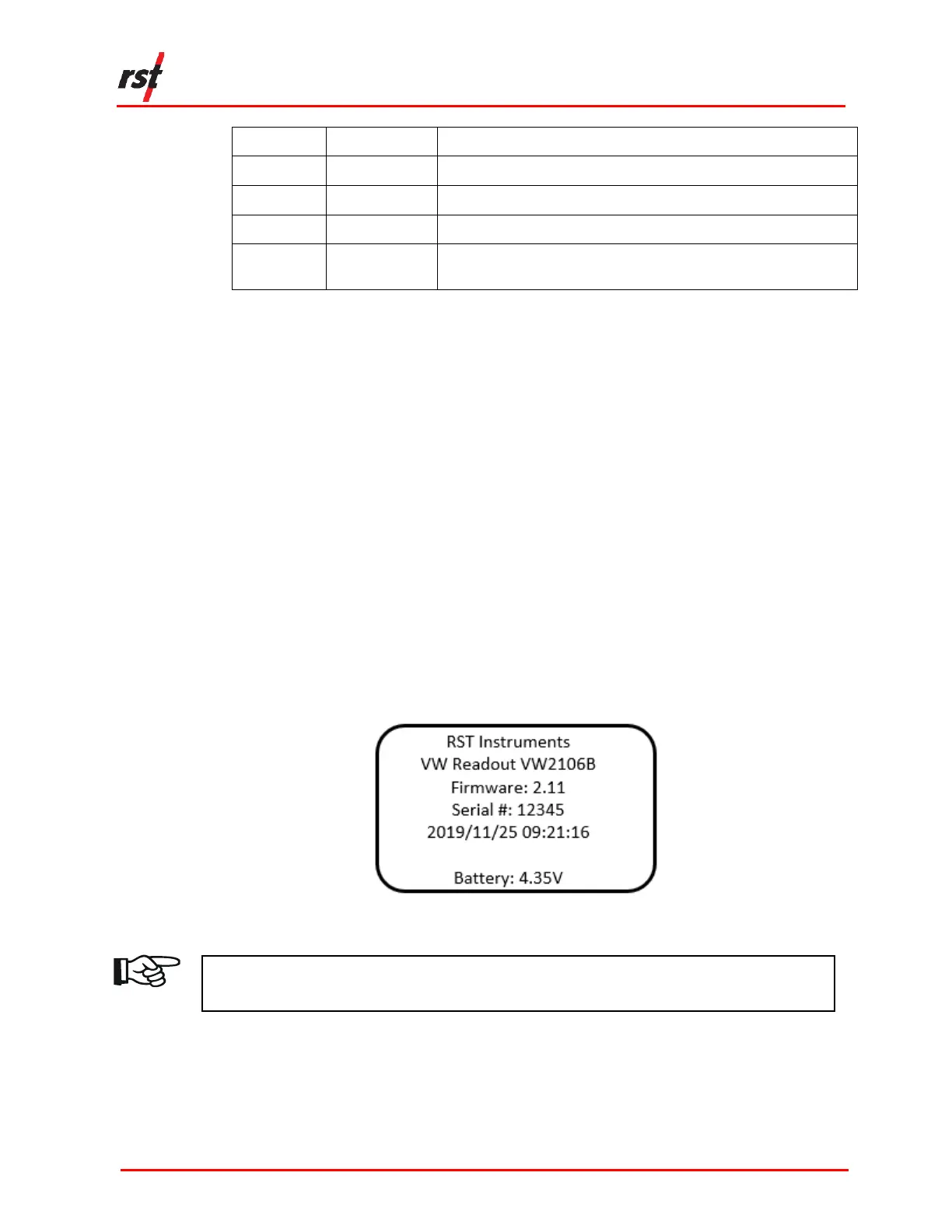
Details of the unit (Figure 4-1) including the model, version number, serial number
and current date and time settings are displayed.
FIGURE 4-1 VW2106 READOUT DETAILS
NOTE: CHECK THAT THE DATE AND TIME SETTINGS ARE CORRECT, AS THIS MAY
AFFECT ANY READINGS STORED IN THE UNIT’S MEMORY.


 To Next Page