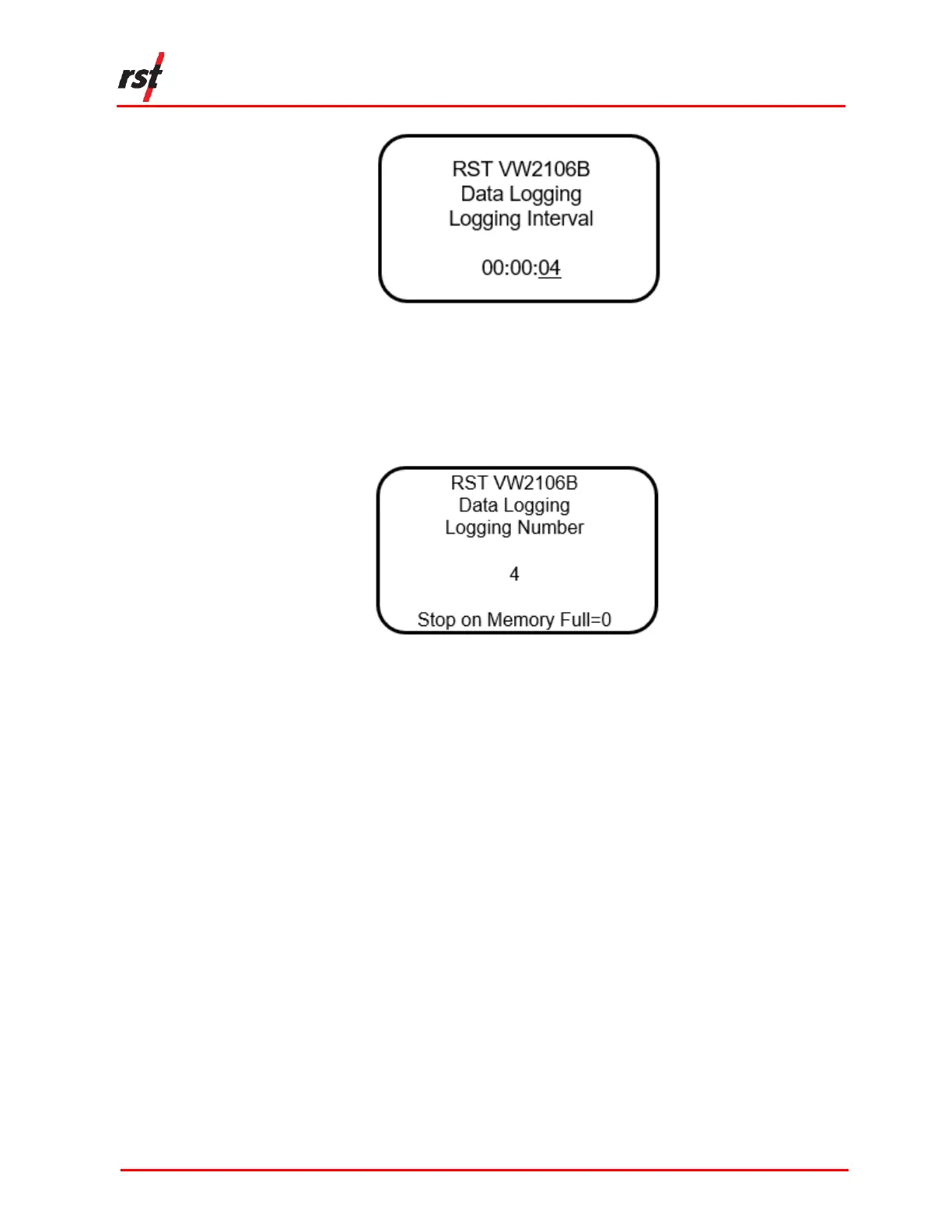
FIGURE 4-5 DATA LOGGING INTERVAL
5. Using the up/down arrows, select the data logging number and press Enter. For
example, if the number 4 is selected, the data will log 4 times every interval, as
illustrated in Figure 4-6. To continuously log data until the memory is full, set the
data logging number to 0.
FIGURE 4-6 DATA LOGGING NUMBER
6. The readout will start the data logging process and will end with a message
stating “Logging completed”. ESC can be pressed any time to abort the data
logging process.
4.5 DATA LOGGING THROUGH STORE DATA
Once the intervals and iteration preferences have been defined (see section 4.4 step
4), data logging can also be accessed through the Store Data screen.
1. Using the up/down arrows, scroll to the Store Data screen and press Enter.
2. Select the location where the data will be stored. Press Enter.
3. Press and HOLD the Enter button to commence data logging. The logging
screen will appear (Figure 4-7).


 To Next Page