VW2106 Vibrating Wire Readout Manual
NOTE: THE AUTO POWER OFF FEATURE IS ALWAYS ACTIVE TO CONSERVE BATTERY
LIFE AND CANNOT BE DISABLED.
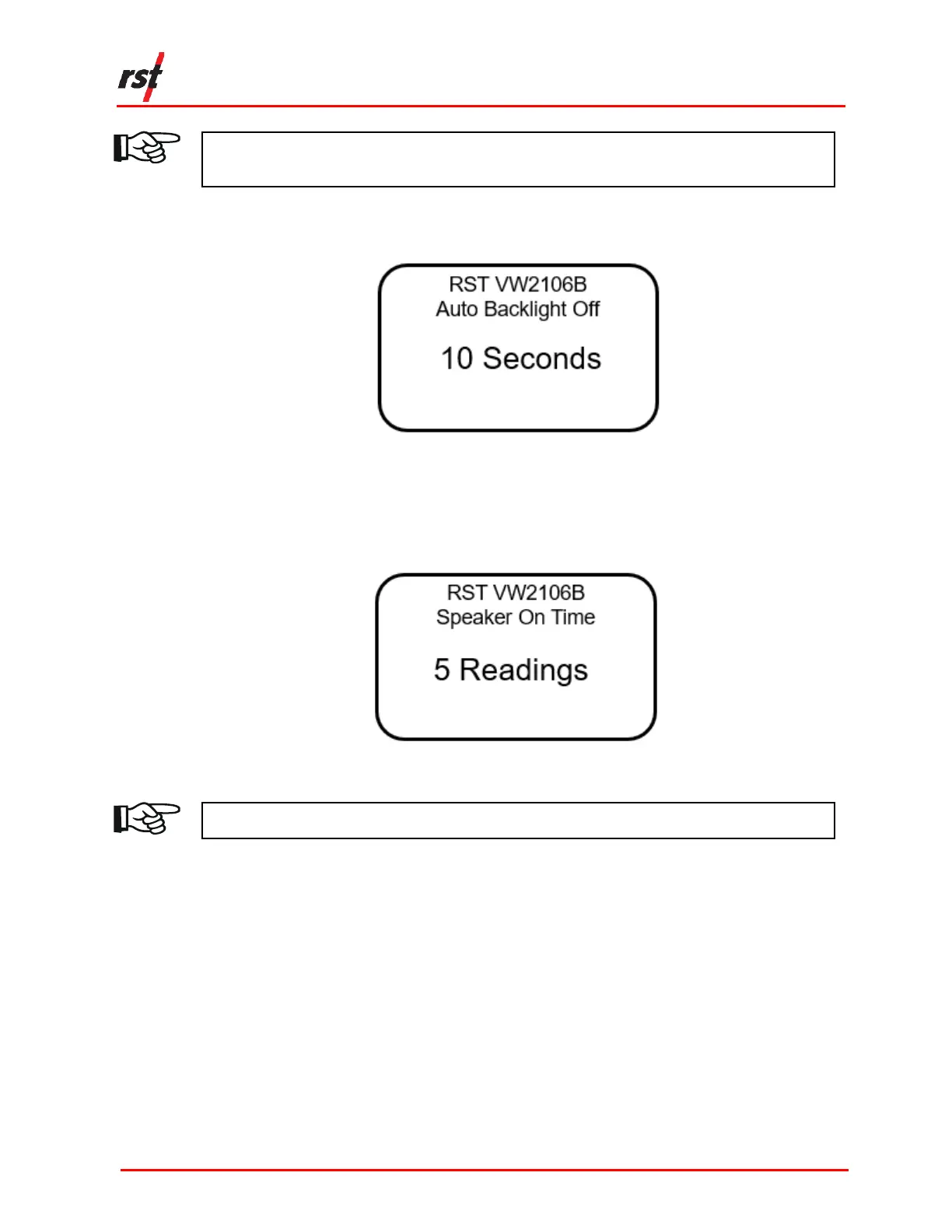
4. The next screen prompts the user to select the Auto Backlight Off (Figure 2-4).
Use the up/down arrows to adjust the desired time and press Enter.
FIGURE 2-4 AUTO BACKLIGHT OFF
5. The next screen prompts the user to select the Speaker On time. Use the
up/down arrows to select the desired time and press Enter. The unit will return to
the previous menu.
FIGURE 2-5 SPEAKER ON TIME
NOTE: KEEP THE UNIT OFF WHEN NOT IN USE TO PRESERVE BATTERY LIFE.
3 CONFIGURATION
The VW2106 may be connected to either single field instruments or multi-channel
instruments.
3.1 SINGLE FIELD INSTRUMENT CONNECTION
The following instructions outlined below to connect single field instruments:
1. Match each wire to its respective terminal post. The posts have colour coded
labels for quick reference (Figure 3-1).


 To Next Page