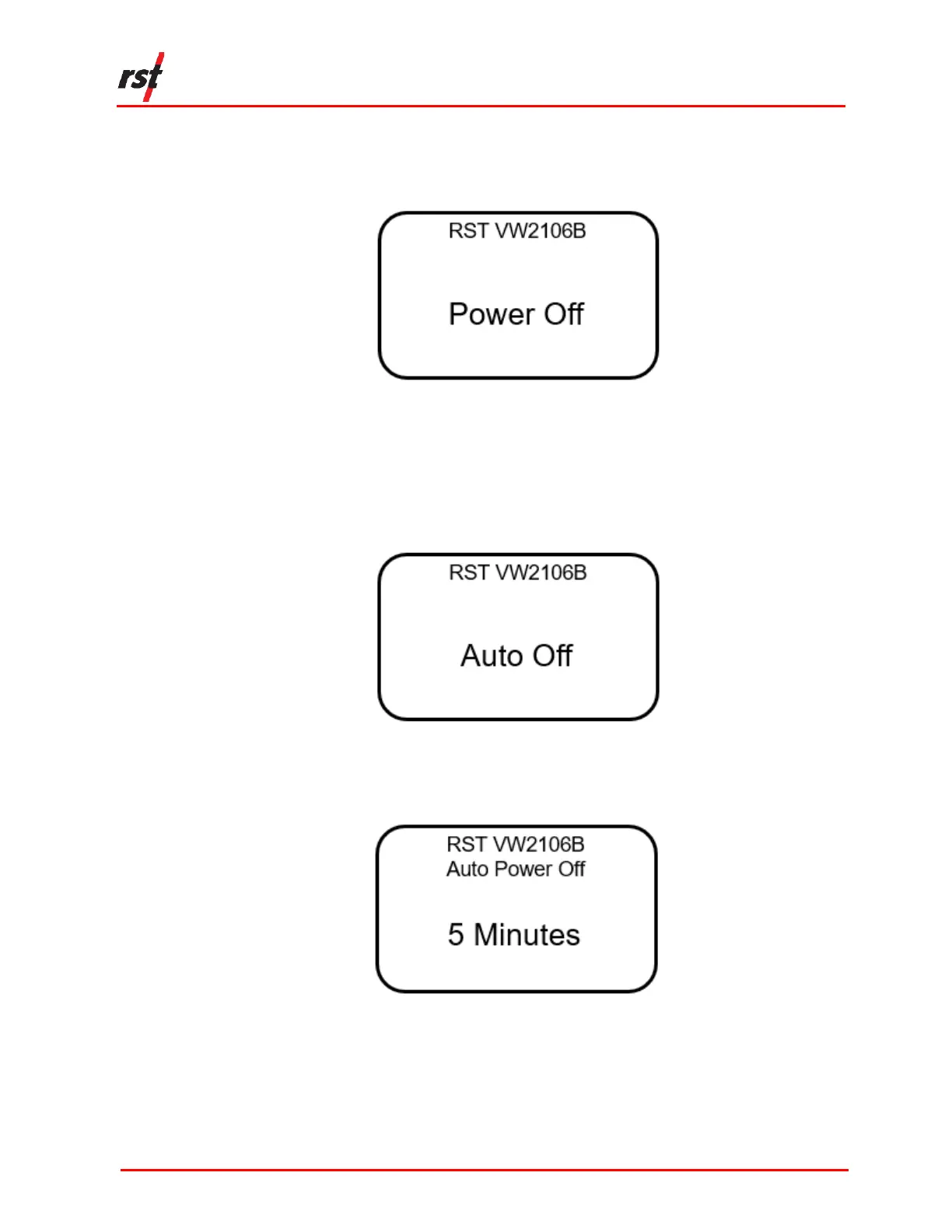
The following instructions illustrate how to power off the unit manually:
1. Use the up/down arrows to scroll to the Power Off screen (Figure 2-1).
FIGURE 2-1 POWER OFF SCREEN
2. Press Enter and the unit will turn off.
The following instructions detail how to configure the unit to power off automatically.
1. Navigate to the Auto Off screen (Figure 2-2).
FIGURE 2-2 AUTO OFF SCREEN
2. Press Enter. The following screen will appear (Figure 2-3):
FIGURE 2-3 AUTO POWER OFF TIME
3. Use the up/down arrows to scroll to the desired auto power off time. Press Enter
to select the time. The default time is five minutes.


 To Next Page