4.3 REVIEWING DATA
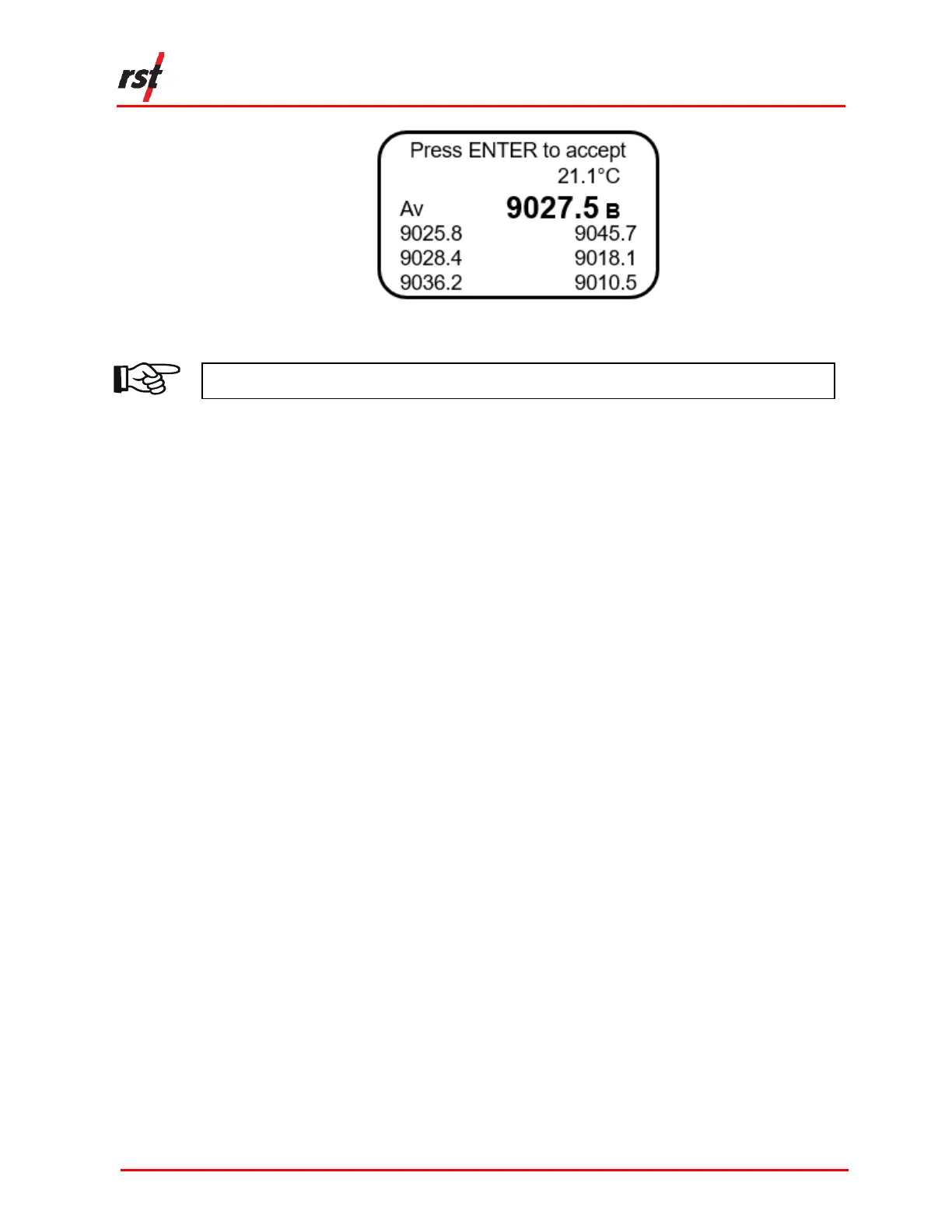
The following instructions outline the steps to review readings on the VW2106.
1. Press any key to turn the readout on.
2. Using the up/down arrows, scroll to the Memory screen and press Enter.
3. Using the up/down arrows, scroll to Review Data and press Enter.
4. Scroll to the desired location using the up/down arrows and press Enter.
5. If a location contains more than one reading, the readings can be scrolled
through using the up/down arrow.
4.4 DATA LOGGING
The VW2106 has a basic datalogging function where the user can set the
datalogging interval and the number of iterations.
The following instructions detail the steps to log data at a given location.
1. Use the up/down arrows to scroll to the Memory screen and press Enter.
2. Use the up/down arrows to scroll to the Data Logging screen and press Enter.
3. Use the up/down arrows to select the location to record the data. If no locations
are currently defined, the readout with respond with “No Locations.” See section
3.5 for detail about how to define locations.
4. Use the up/down arrows to set the reading interval and press Enter. For
example, if 4 is selected, the data will log every 4 seconds (Figure 4-5).


 To Next Page