Default IP Address – 192.168.0.100
460 Gateway User Manual Page 19
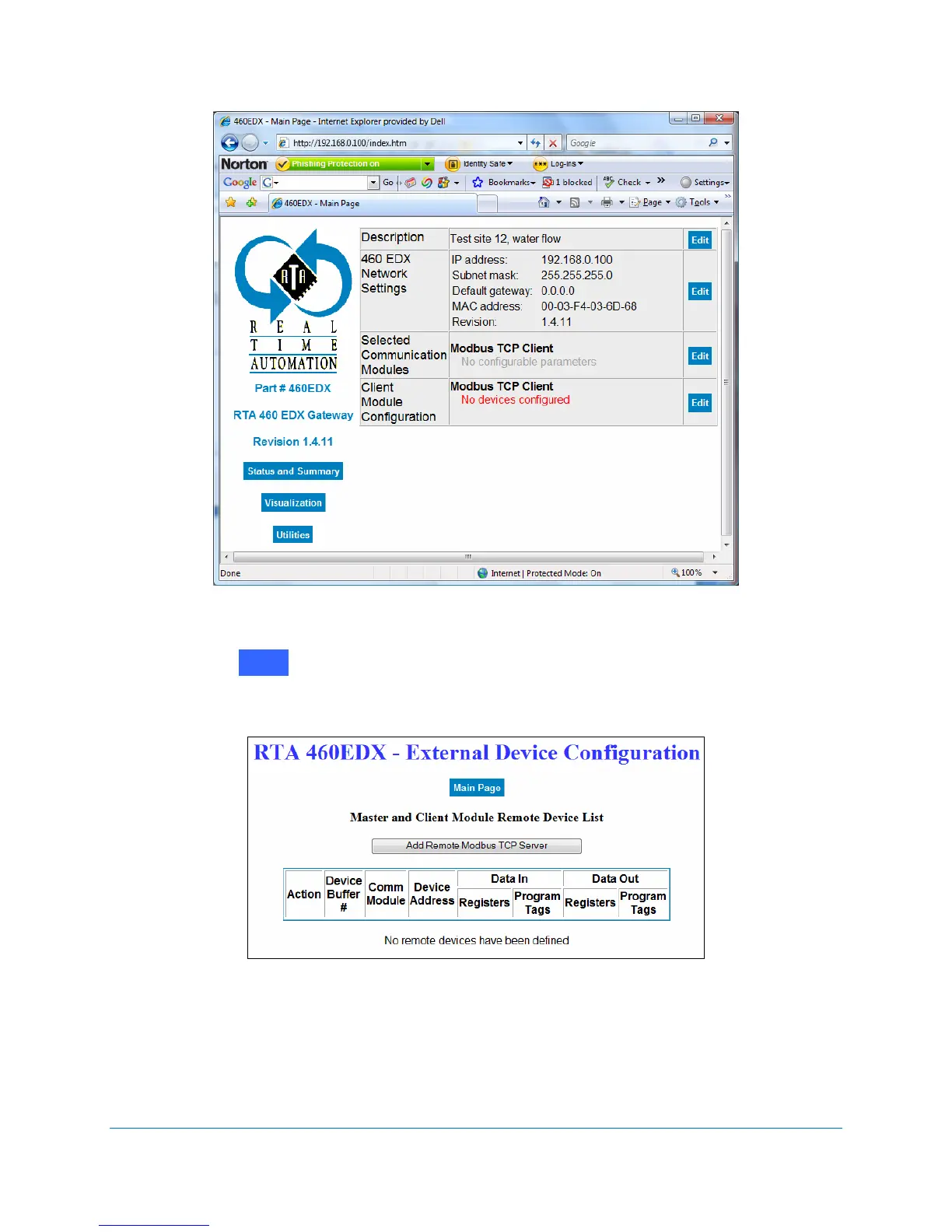
Figure 2-21 Modbus TCP Client Module Configuration
6. Click on next to the Client Module Configuration.
The External Device Configuration screen displays. See Figure 2-22.
Figure 2-22 External Device Configuration screen
7. For each new Device Buffer that should be enabled (1-32), click on the Add Remote
Modbus TCP Server
button.
8. Click Edit in the Action column. See Figure 2-23.
Edit



 To Next Page