Default IP Address – 192.168.0.100
460 Gateway User Manual Page 37
Figure 2-47 DeviceNet Slave configuration details selected
For Your Information: Familiar users can make all desired communication
module edits before leaving this screen.
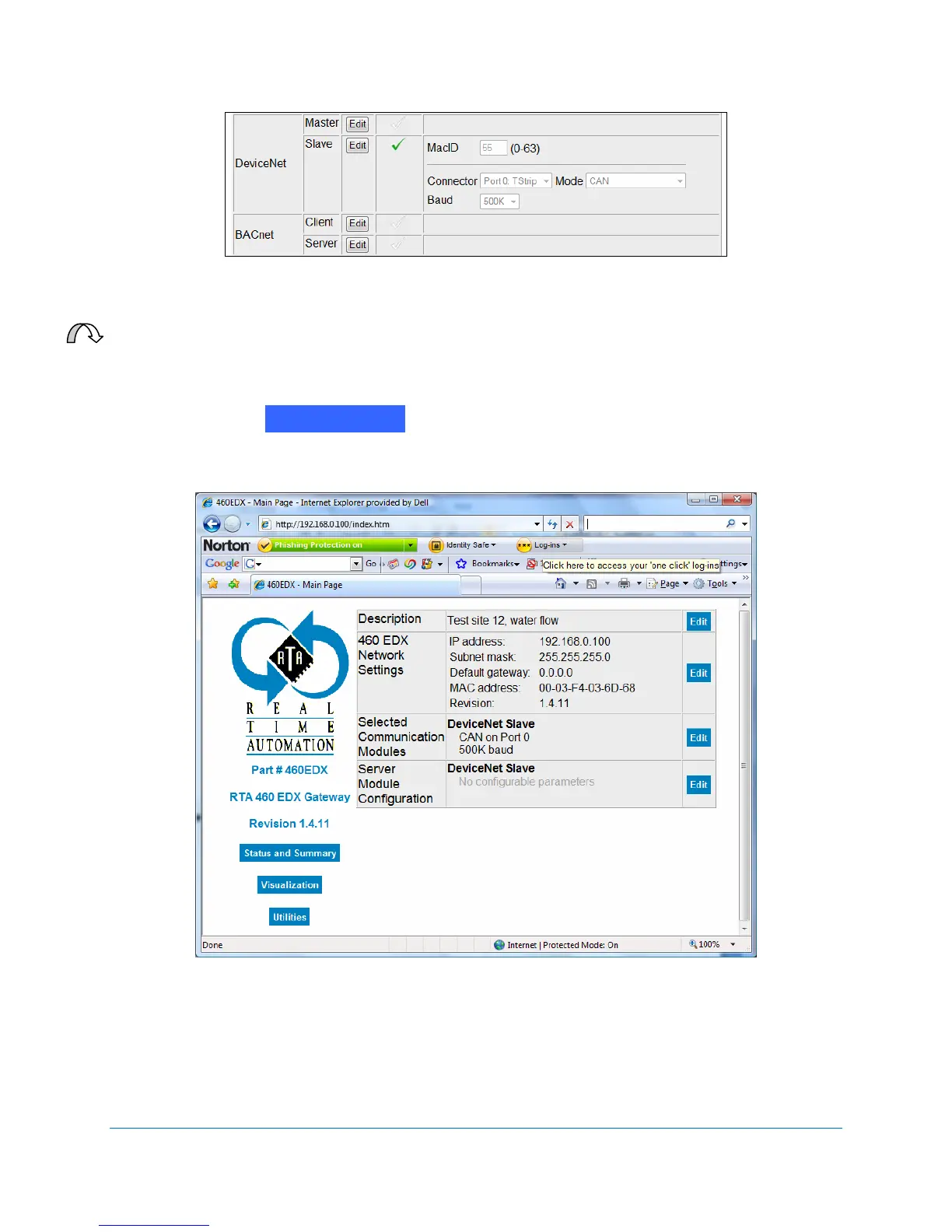
6. Click on the button. The RTA 460 Gateway Main Page displays with
the updated DeviceNet Slave information. See Figure 2-48.
Figure 2-48 DeviceNet Slave Module Configuration
Return to Main



 To Next Page