Default IP Address – 192.168.0.100
460 Gateway User Manual Page 49
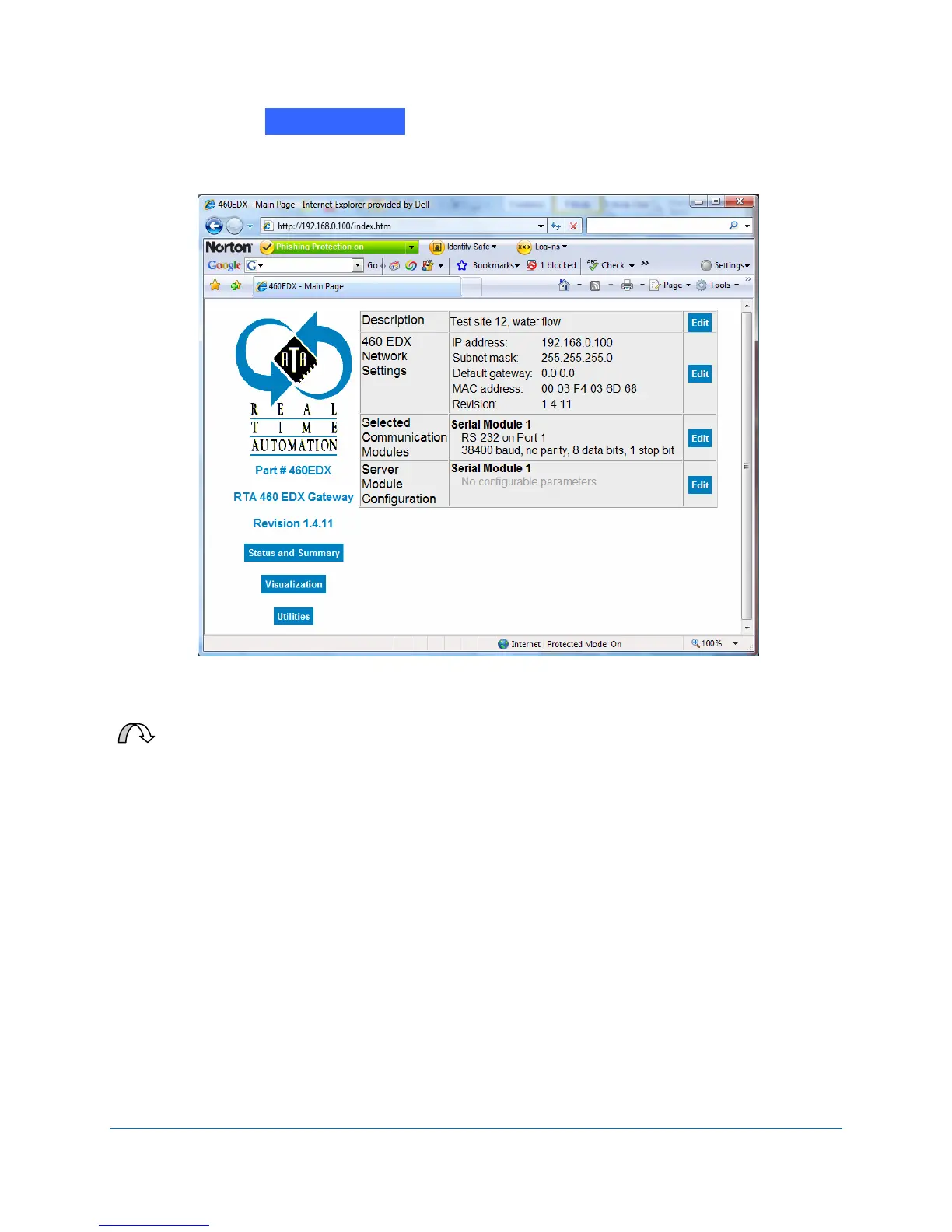
6. Click on the button. The RTA 460 Gateway Main Page displays with
a Client Module Configuration option. See Figure 2-64.
Figure 2-64 Serial Module Configuration
For Your Information: If you need to configure more than one 460 Gateway with
the same or similar settings, it may be quicker to configure the first gateway
using these directions and then save the configuration to a file to use for the
other gateway units.
Note that for gateways that are configured from a file, you still need to set
jumpers (if desired), edit the network settings, and restart the gateway to make
the settings take effect. See Configuring 460 Gateways from a file on page 60
for more information.
Return to Main



 To Next Page