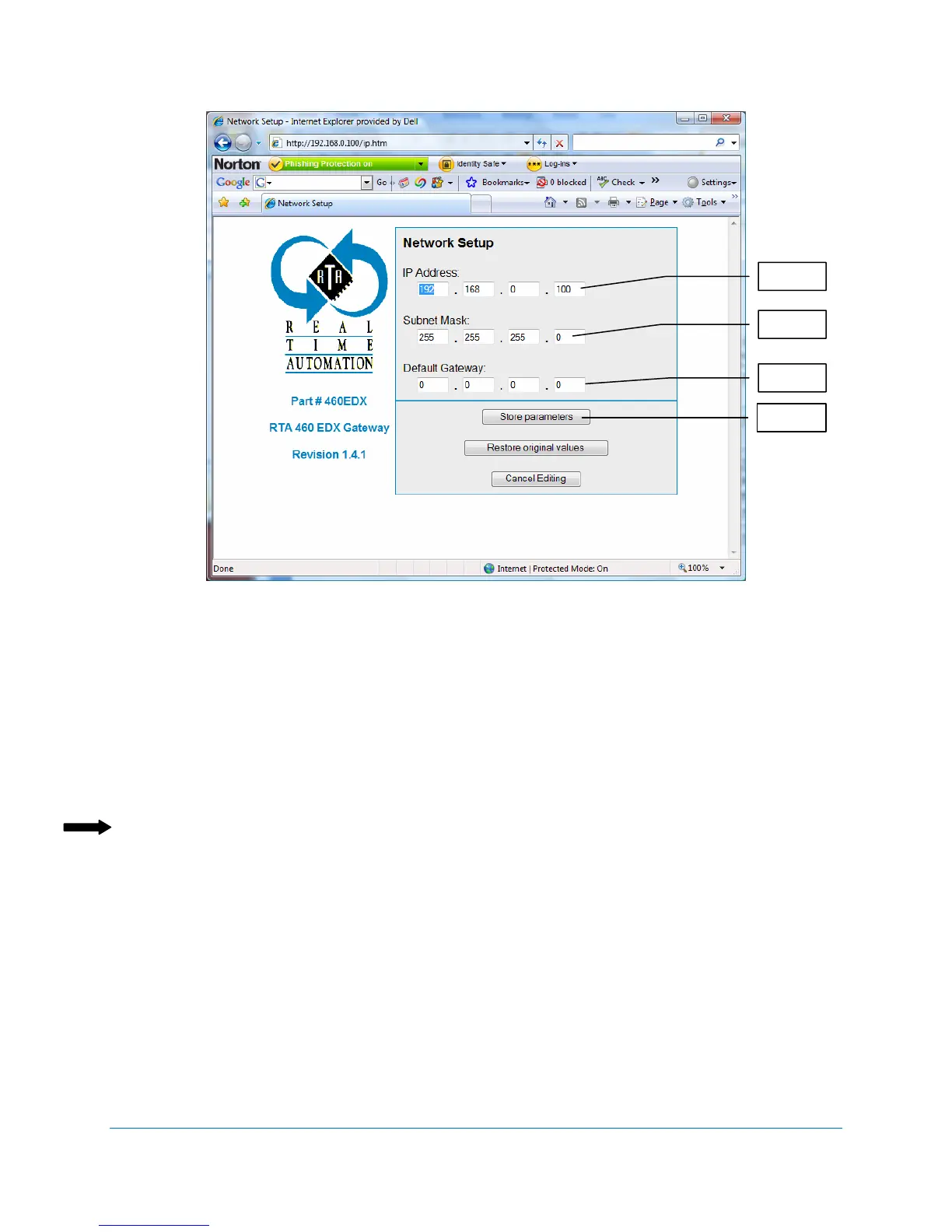
Default IP Address – 192.168.0.100
460 Gateway User Manual Page 69
Figure 4-12 Network Setup screen
6. Enter the IP address that identifies the 460 Gateway to the network.
7. Enter the subnet mask that identifies which devices can communicate with the 460
Gateway.
8. Enter the default gateway to use if the device cannot be accessed directly.
9. When you are finished entering these values, click on Store Parameters.
The 460 Gateway Main web page displays.
Note: The Restore original values button causes the parameters to display that were entered
when the page loaded.
10. When you have finished making any desired changes to the 460 Gateway’s configuration,
continue with the following section, Making Settings Take Effect.
t



 To Next Page