18
Configuring the Access Point
Configuring for Management by ZoneDirector
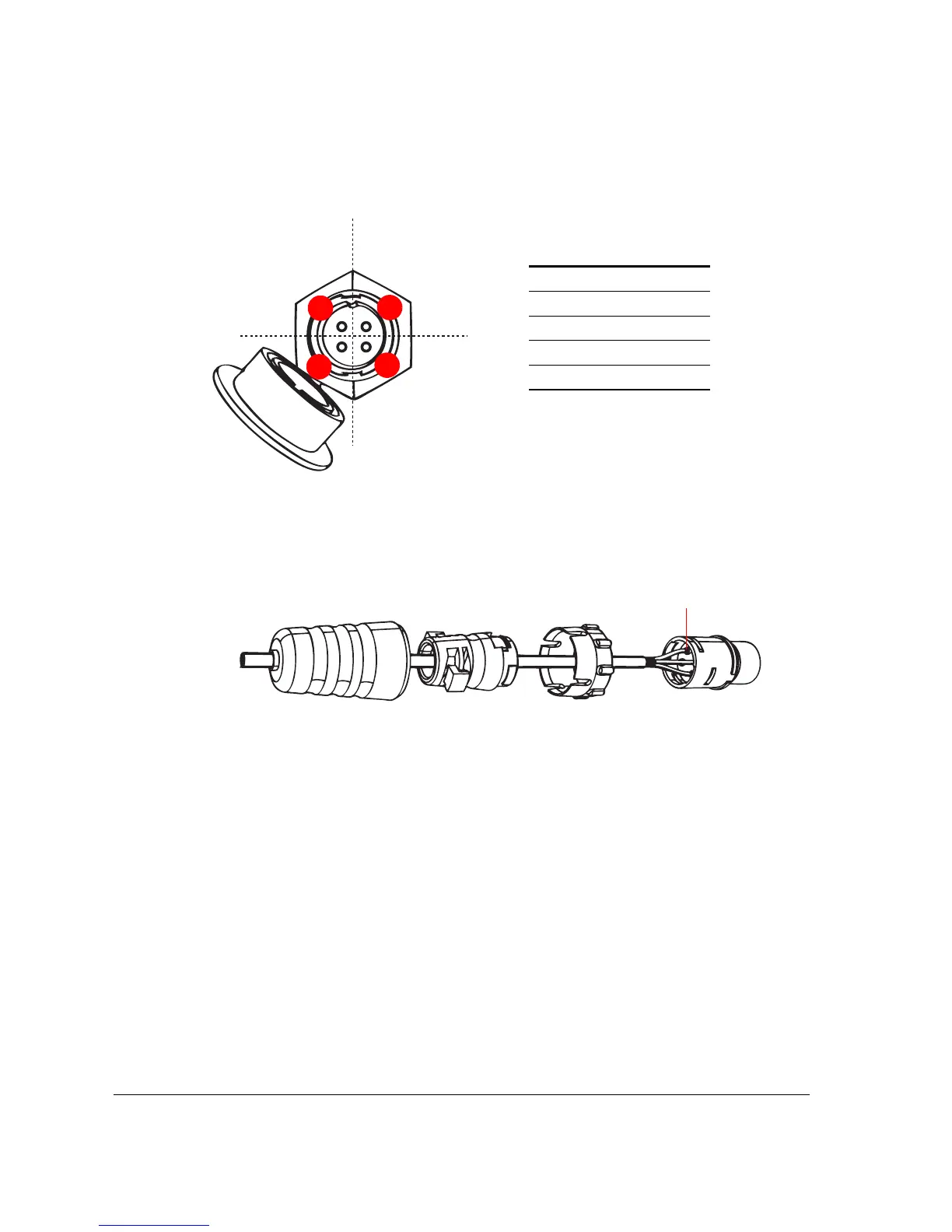
Figure 14. Pinout connections for the DC cable
Figure 15. Insert the conductors into the pins, crimp or solder the edges, and then
insert the pins into the connector
6. Push the coupling ring all the way forward so that it covers the edge of the cord
connector.
7. Push the cable clamp housing forward until it locks into the connector body. The two
clamps should snap into their compartments.
8. Push the boot all the way forward so that it covers the cable clamp housing securely.
9. Remove the protective cap from the 12V DC connector on the AP.
10. Connect the DC cord connector that you have assembled to the 12V DC connector on
the AP.
11. Connect the DC cable to a DC power source (for example, a battery).
You have completed connecting the Access Point to a DC power source.












 To Next Page