26
Configuring the Access Point
Configuring for Standalone Operation or for Management by FlexMaster
Step 3: Log Into the Access Point’s Web Interface
1. On the administrative computer, open a Web browser window.
2. In the address or location bar, type the following address:
https://192.168.0.1
3. Press <Enter> on the keyboard to connect to the Access Point’s Web interface. A
security alert message appears.
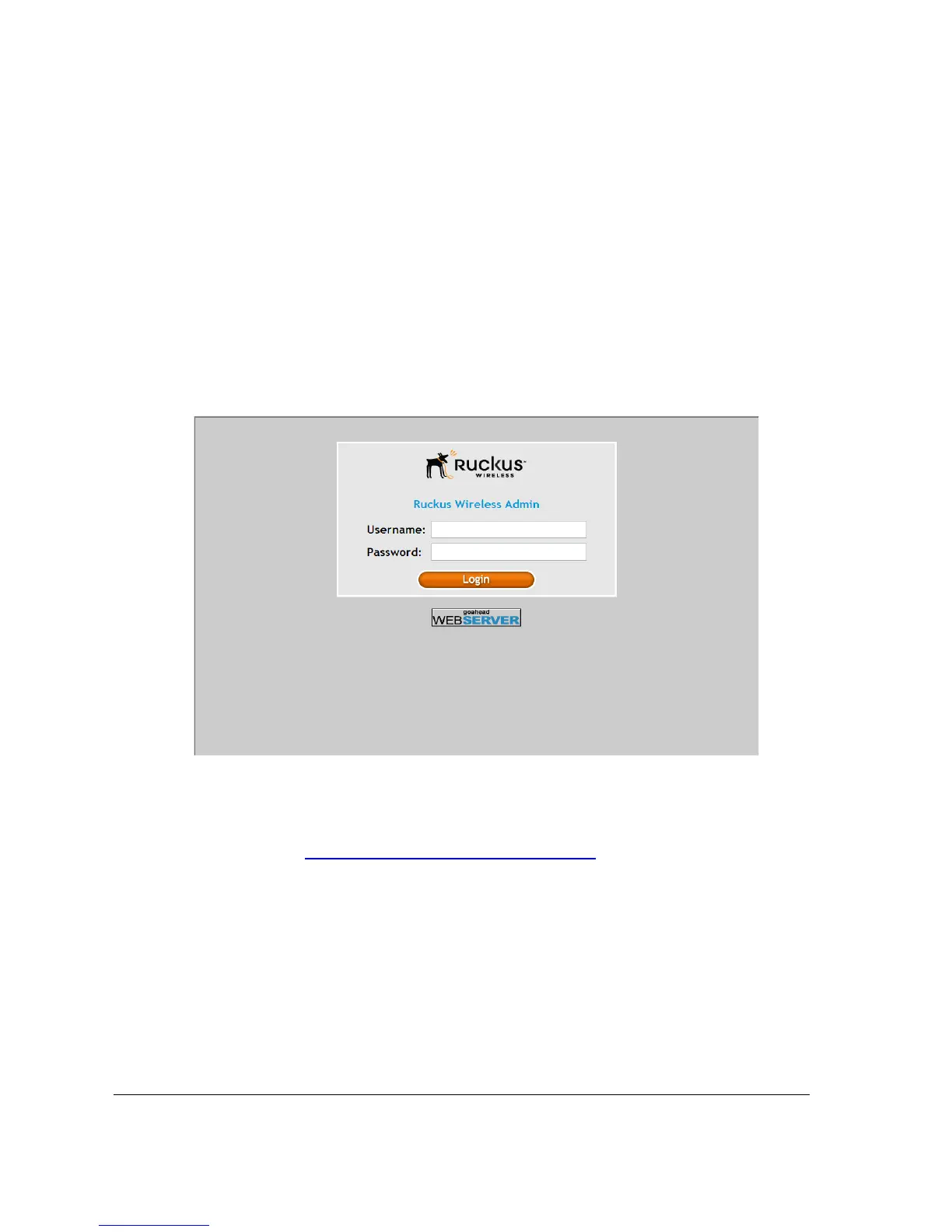
4. Click Yes or OK (depending on the browser) to continue. The Access Point’s login page
appears.
Figure 22. The ZoneFlex Access Point login page
5. In User name, type super.
6. In Password, type sp-admin.
7. Click Log In. The Web interface appears, displaying the Device page.
8. Continue to “Step 4: Configure the Wireless Settings”
below.












 To Next Page