45
Attaching the Mounting Brackets
Step 1: Attach the Static Bracket to the Mounting Surface
Attaching the Bracket to a Pole
The Access Point can be mounted vertically or horizontally on a 30mm to 60mm (1.18 in.
to 2.36 in.) pole.
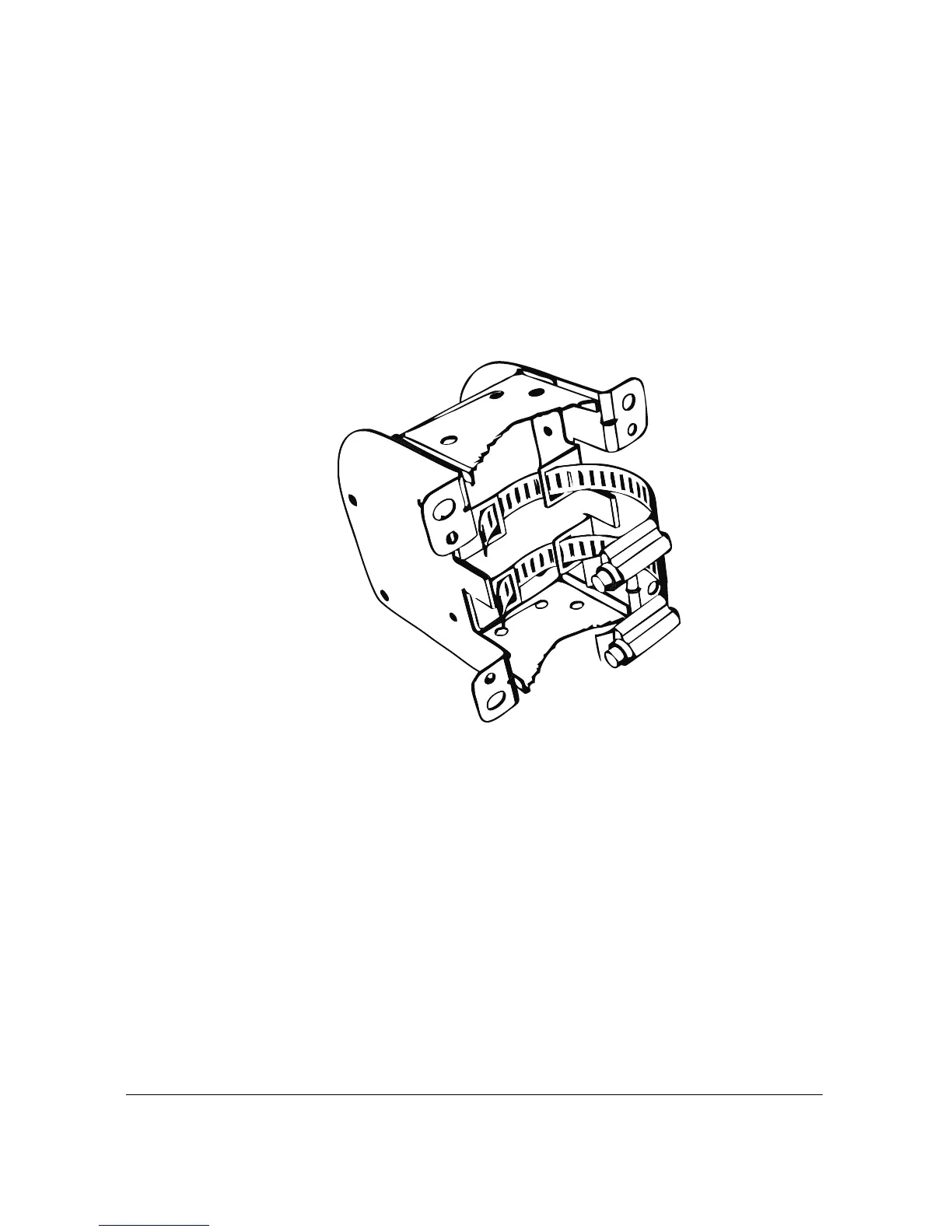
1. Insert the open end of one steel clamp into the upper two tabs on the bracket.
2. Take the other steel clamp and insert it into the lower two tabs on the bracket.
Figure 36. Insert the steel clamps into the two tabs on the bracket












 To Next Page