22
Configuring the Access Point
Configuring for Standalone Operation or for Management by FlexMaster
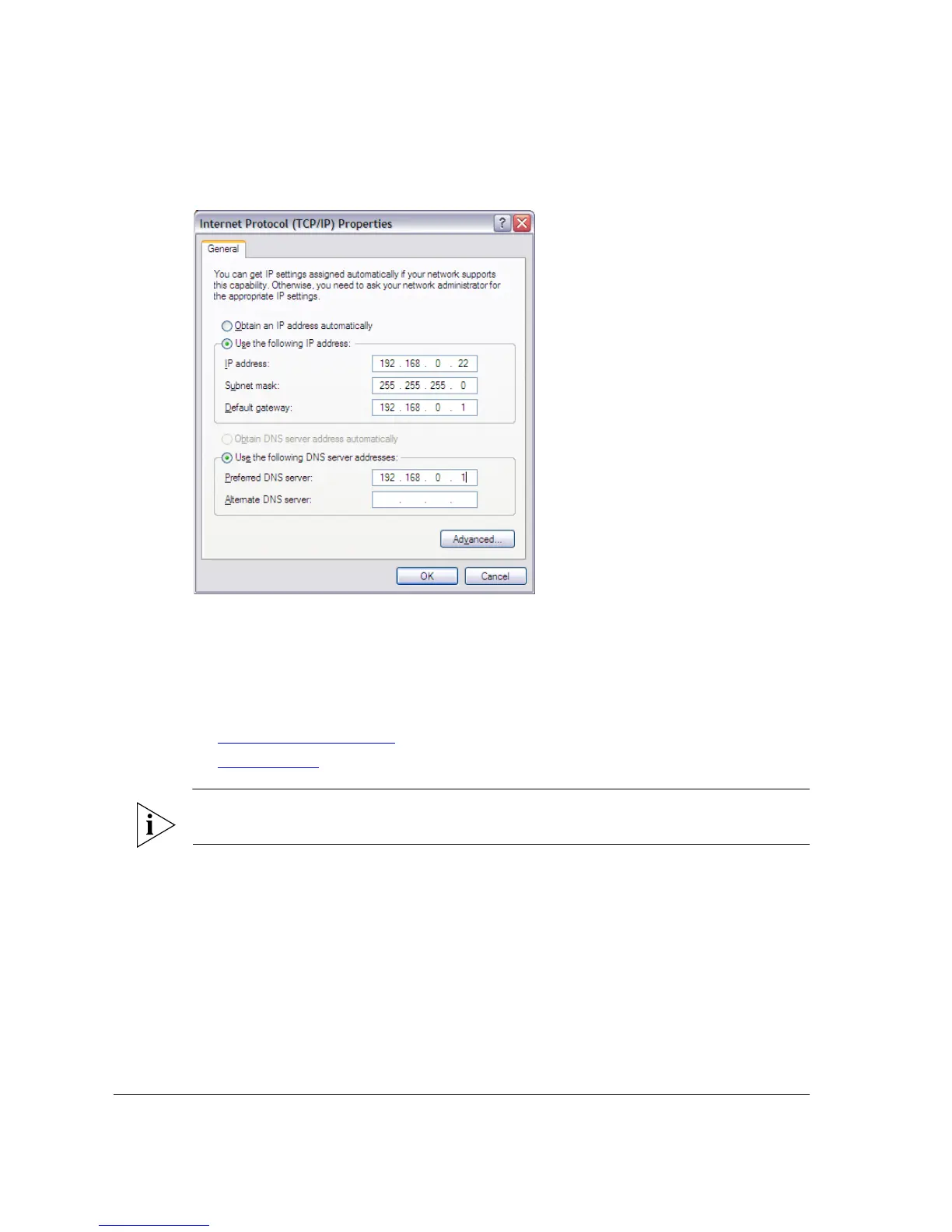
Figure 16. Sample configuration in the Internet Protocol (TCP/IP) Properties dialog box
Step 2: Connect the Access Point to the Administrative
Computer
The procedure for connecting the Access Point to the administrative computer depends
on the power source that you will be using. You can do one of the following:
■ Use Power Over Ethernet
■ Use DC Power
NOTE: You only need to connect one type of power source at this point, even if you are
planning to use both PoE and DC power in your final deployment.
Use Power Over Ethernet
1. Take out the PoE injector and the power adapter from the Access Point package.
2. Obtain two Ethernet cables.
3. Connect one end of one Ethernet cable to the AP/BRIDGE port on the PoE injector,
and then connect the other end to the PoE IN port on the Access Point.
4. Connect one end of the other Ethernet cable to the NETWORK port on the PoE
injector, and then connect the other end to the admin computer.












 To Next Page