39
Deploying the Access Point
Step 2: Complete the Power Connections
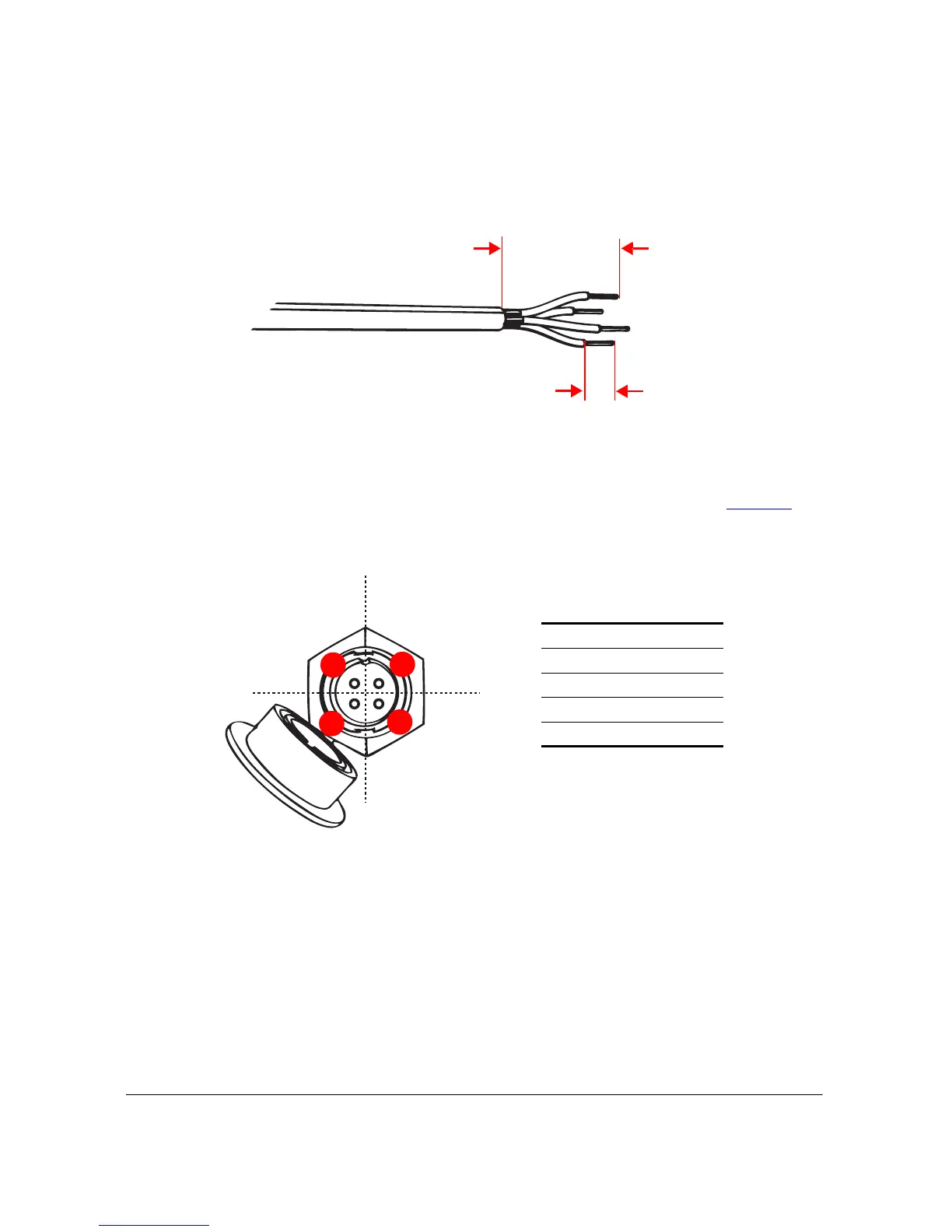
Figure 30. Strip the DC cable and the four conductors
5. Insert the stripped part of the conductors into the four connector pins, and then crimp
the edges of the connector pins to secure the conductors. Alternatively, use a soldering
gun to solder the conductors to the pins.
6. Insert all four connector pins into the holes on the cord connector. See Figure 31
for
the correct pinout connections.
Figure 31. Pinout connections for the DC cable












 To Next Page