RDC6445G Control System manual V1.2
SHENZHEN RUIDA TECHNOLOGY
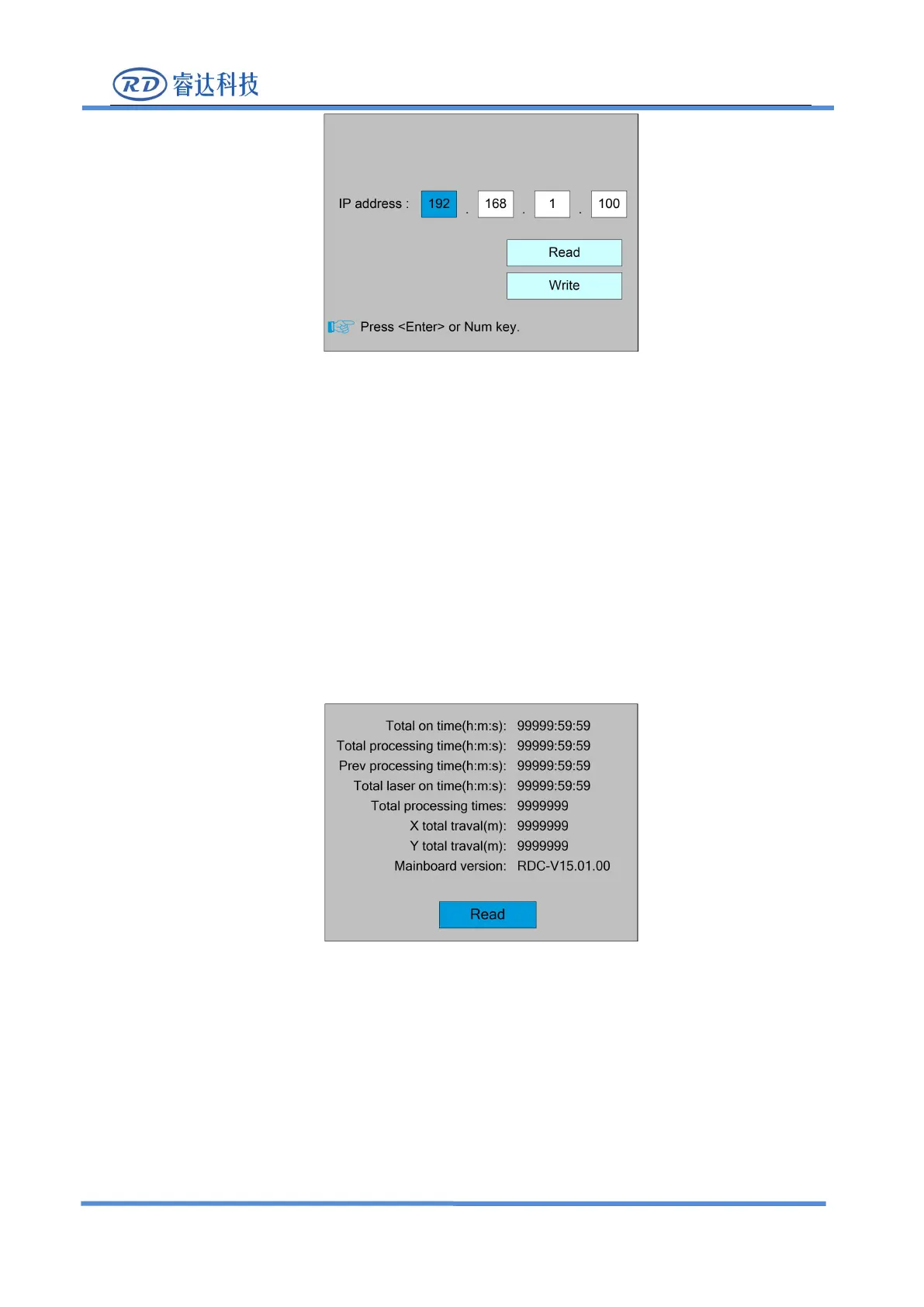
Press the direction key to select a parameter, then press the number key to modify the
parameter. After the modification, move the "selection block" to the "Write" entry and press the
<Enter> key. The parameter setting takes effect. Press the <Esc> key to return to the menu at the
8.6.5 System Info
Select the "System Info" entry under the controller setting interface, press the <Enter> button,
and then pop up the interface as follows:
Press the <Enter> key to read motherboard information.Press the <Esc> key to return to the
previous menu.
8.7 Funtions
In the menu interface, select "Function" entry and press the <Enter> key ,it will show as below:



 To Next Page