RDC6445G Control System manual V1.2
SHENZHEN RUIDA TECHNOLOGY
8.9 Password input and settings
8.9.1 Password Input
When you enter certain interfaces or perform certain operations, you need to enter the
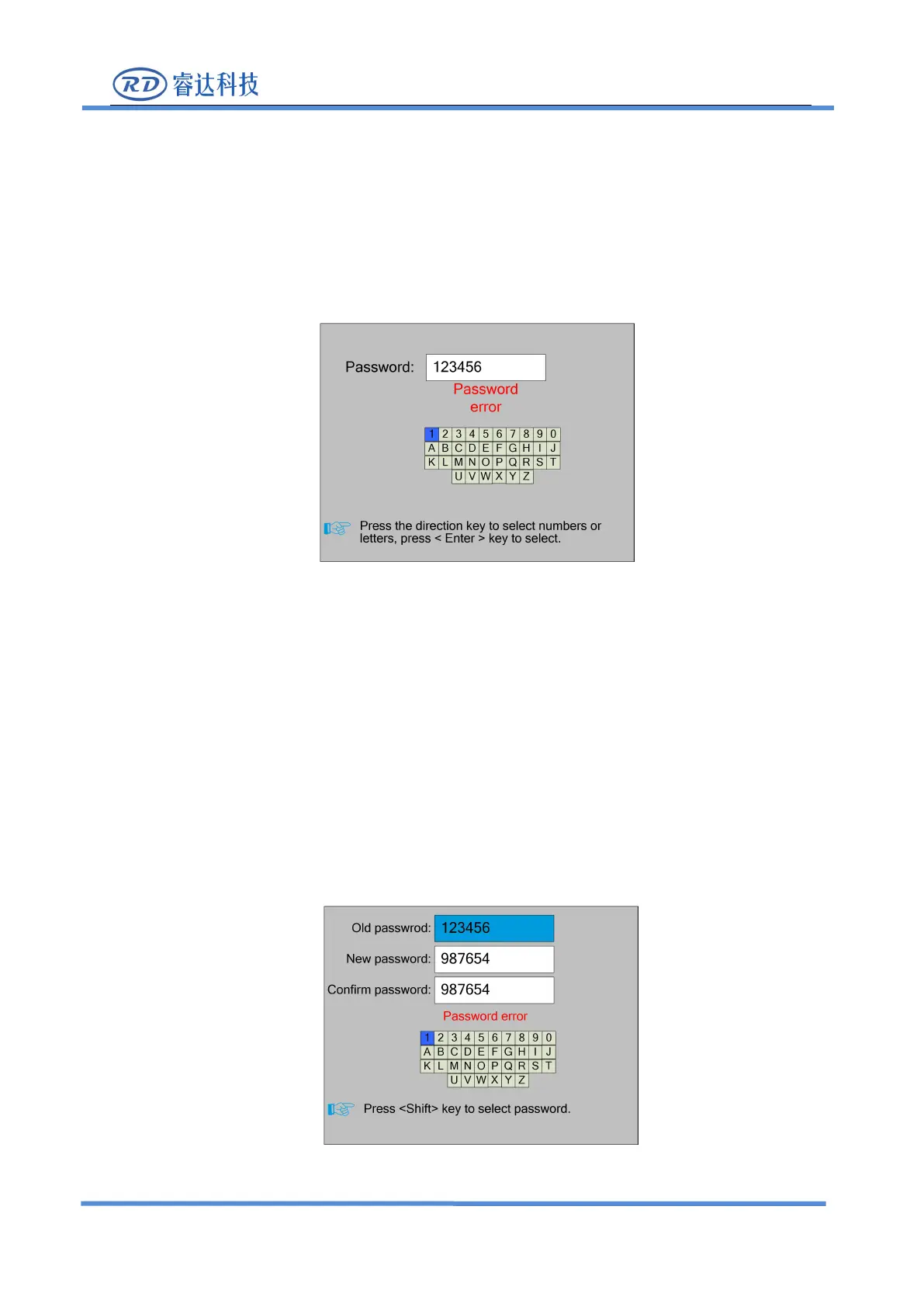
password. The interface is as follows:
You can enter the password directly by pressing the number key, or you can select a number or
letter by pressing the direction key, select by pressing the <Enter> key, and press the <Enter> key
when you enter six passwords. If the password is correct, you can go to the next interface or perform
the operation, otherwise you can display a "password error" and re-enter.
Press the <Esc> key to return to the previous menu.
8.9.2 Password Setting
The password settings interface is shown in the following figure:



 To Next Page