RDC6445G Control System manual V1.2
SHENZHEN RUIDA TECHNOLOGY
8.7.5 Diagnose
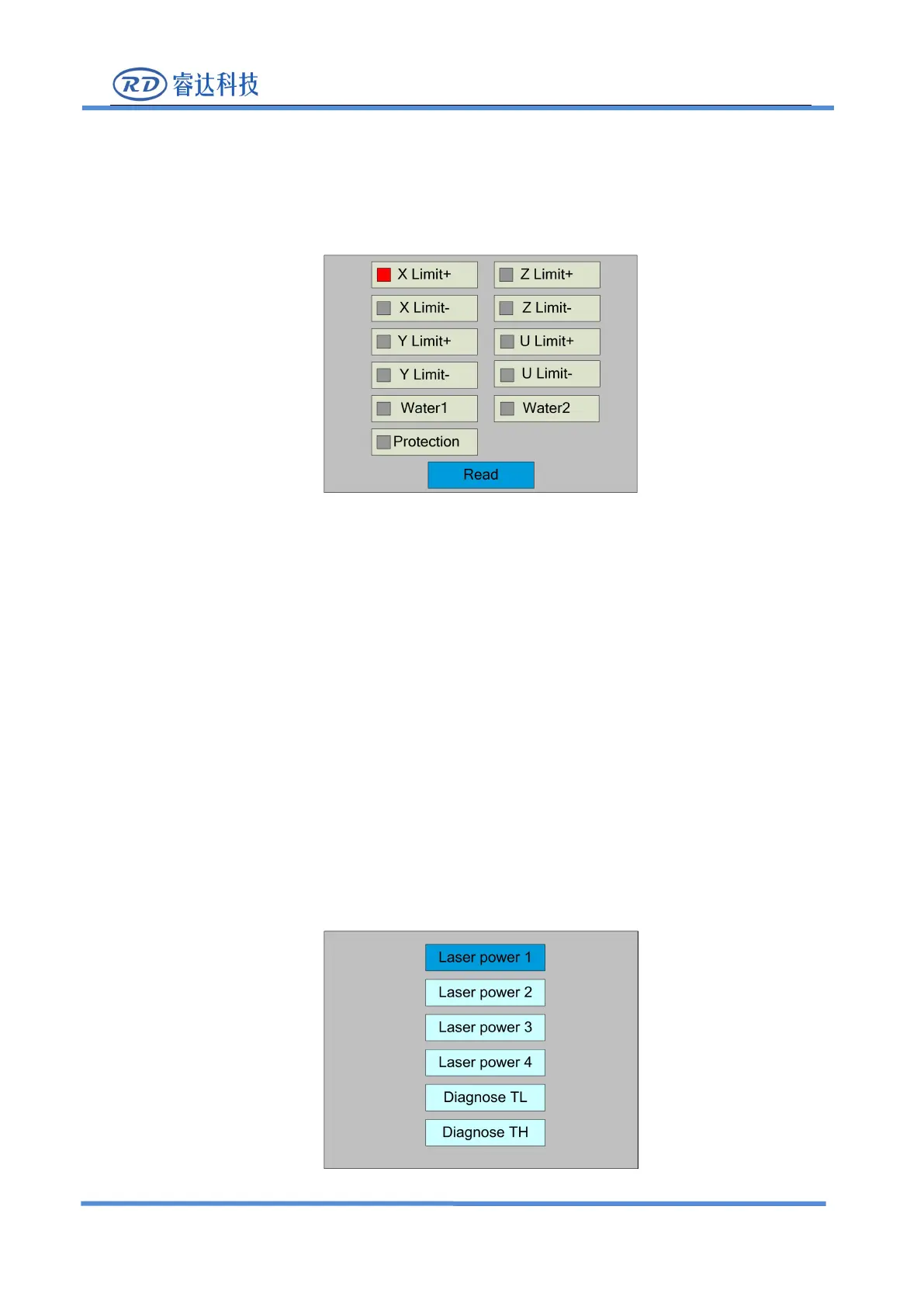
Select the "Diagnose" entry under the funtions interface, press the <Enter> button, and
then pop up the interface as follows:
The interface displays the hardware IO information of the system, and reads the hardware
information of the system by pressing the <Enter> key. When the hardware signal is triggered, the
small box on the left side of the corresponding entry will show red. Otherwise, it will show gray.
Press the <Esc> key to return to the previous menu.
8.7.6 Laser power infomation
Note: laser power information function is effectively configured on PC software.
Select the "Laser power info" entry under the funtions interface, press the <Enter> button, and
then pop up the interface as follows:



 To Next Page