F11GIM2 User Manual
8 Drone Status Indicators
Copyright ©2021 Ruko All Rights Reserved. 17
Make sure to remove the gimbal cover before use, the gimbal works only after the drone
is power on and complete self-calibration.
When the drone is powed on DO NOT touch or knock the gimbal, place the drone on a
level and no vibration surface to keep it still, it will take less than 30 seconds to complete
gimbal self-calibration.
Precision elements in the gimbal may be damaged in a collision or impact , which may
cause the gimbal to function abnormally.
Avoid getting dust or sand on the gimbal and the camera, especially in the gimbal motors.
DO NOT apply extera force to the gimbal after the gimbal is powered on, as this may
cause the gimbal to function abnormaly or even lead to pemanentmotor damage.
Make sure to install the gimbal cover when the drone is not in use.
If the gimbal get wet after flying in wet weather, temporary failure might occur, make
the gimbal and the drone dry so as to get it recover to full function.
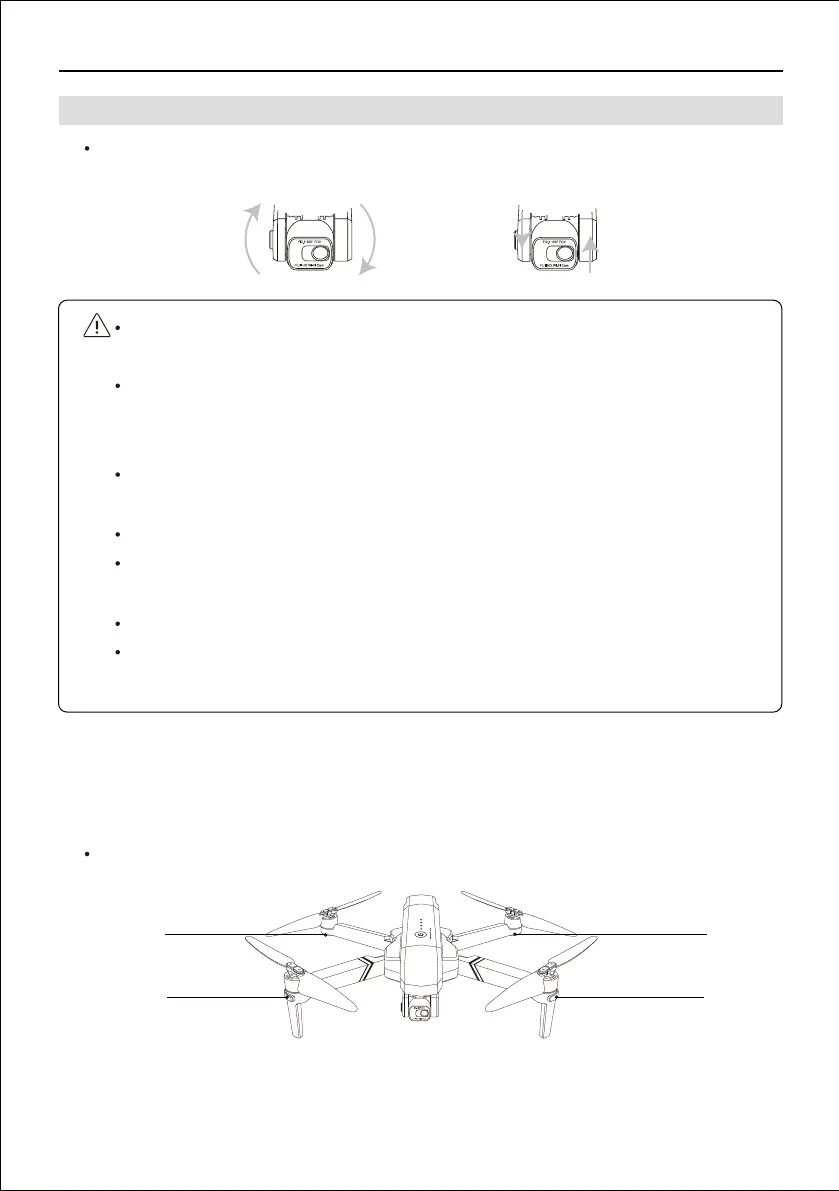
The gimbal of F11GIM2 drone ensure the user can capture clear and stable impage and videos
even when the drone is flying, the camera also equipped with electroni stabilization function.
F11GIM2 drone has front and back four LED lights.
7.4 Gimbal and Camera
Front LED
Back LED
Front LED
Back LED



 To Next Page